Vice City / Broń
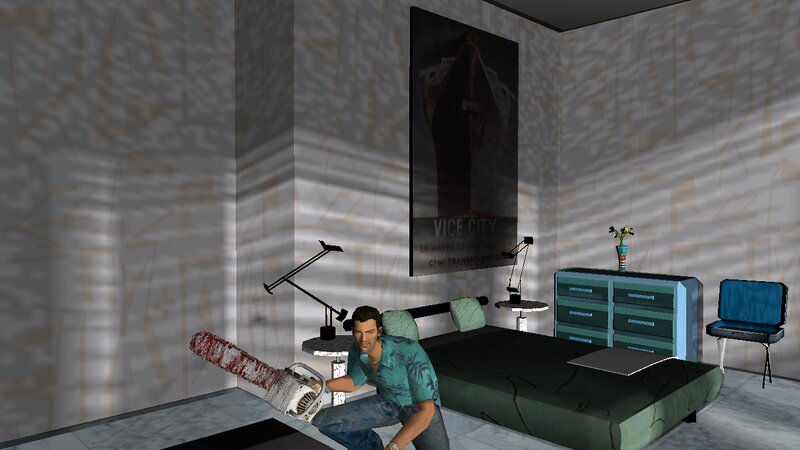
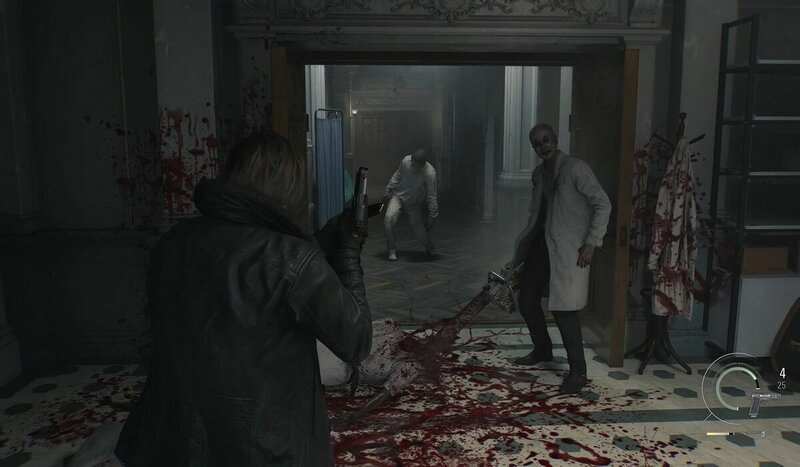
The Chainsaw from Resident Evil Requiem
- N4SPEED GTA | dodane przez N4SPEED GTA
- 03/12/2026
- 1285 Pobrania
Oceny:
Najpierw się zaloguj.
Ulubione:
Pobierz
4.04Mb
Odsetek antywirusów, które wykryły zagrożenie: 0%
Zobacz raport skanowania antywirusowego
4.04Mb
Odsetek antywirusów, które wykryły zagrożenie: 0%
Zobacz raport skanowania antywirusowego
Videos
Nie dodano jeszcze filmów.Zaloguj się, żeby dodać film do tego moda.
Opis
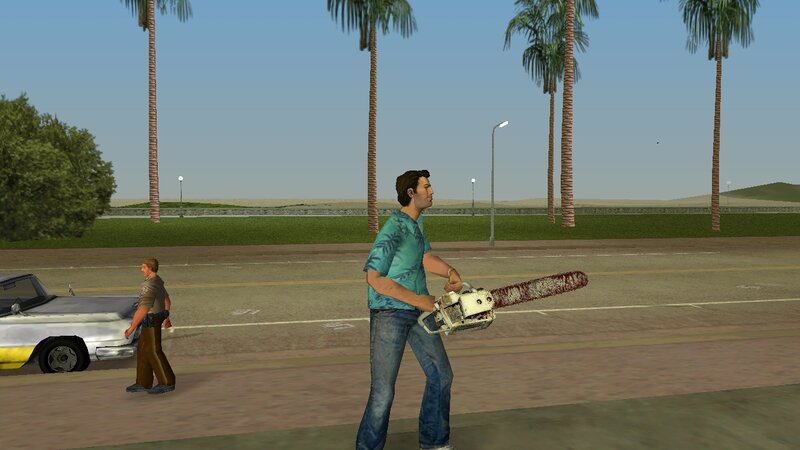
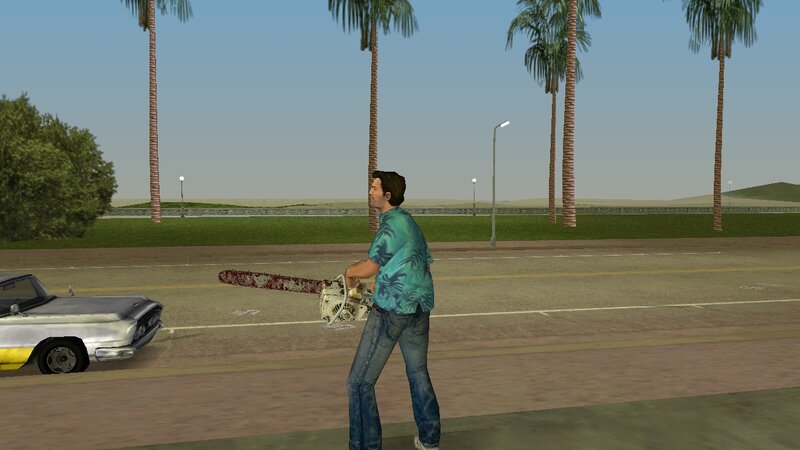
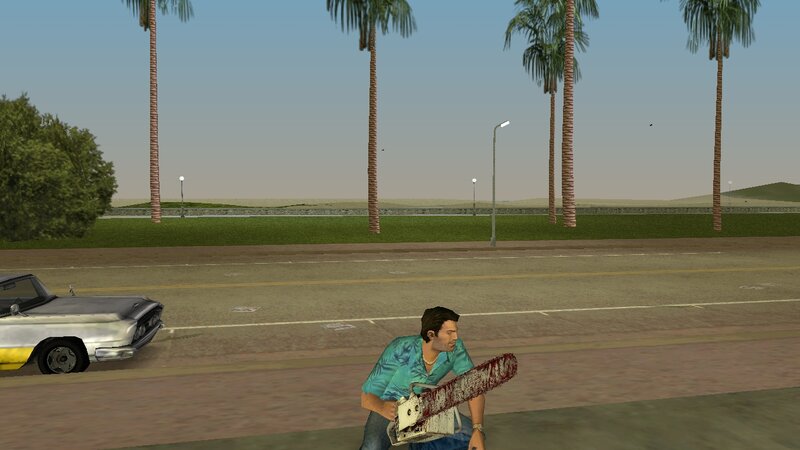
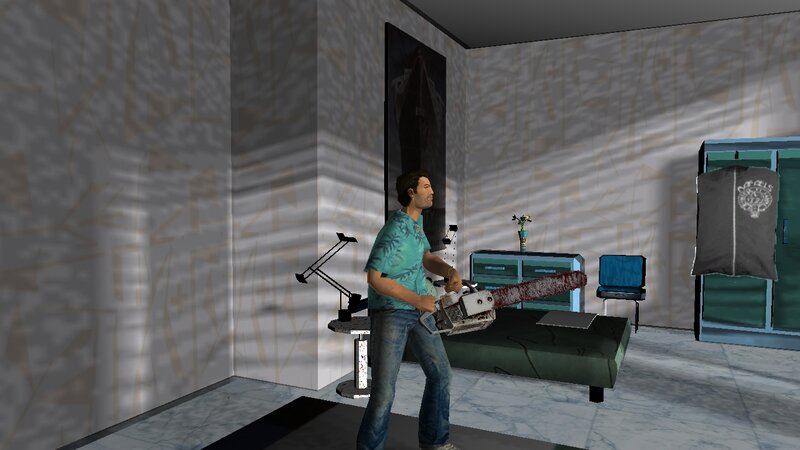
The chainsaw from Resident Evil Requiem for GTA Vice City.
Add to GTA: Vice City new powerful weapon from the game Resident Evil: Requiem. The weapon has improved characteristics and fits perfectly into the gameplay.
Features:
-High quality textures and models.
-Compatible with both PC and Android.
INSTALLATION INSTRUCTIONS:
For PC:
-Make a backup copy of your game files before installing the mod.
-With "Txd Workshop" locate the game's installation folder and move to "models",Open the file "gta3.img" and replace "chnsaw.dff and chnsaw.txd".
For ANDROID:
-Open "GTA IMG Tool" and follow the path:"Android/Data/com.rockstargames.gtavc/files/texdb".
-In the files "weap_high.img" and "gta3.img",delete "chnsaw.dff" and select "Add with replace" to import the new weapon.
-Use the "TXD Tool" to open "gta3hi.txt" and "gta3img.txt",select "Import Uncompressed 32bpp" to add the textures.
-Now launch the game and enjoy!
Add to GTA: Vice City new powerful weapon from the game Resident Evil: Requiem. The weapon has improved characteristics and fits perfectly into the gameplay.
Features:
-High quality textures and models.
-Compatible with both PC and Android.
INSTALLATION INSTRUCTIONS:
For PC:
-Make a backup copy of your game files before installing the mod.
-With "Txd Workshop" locate the game's installation folder and move to "models",Open the file "gta3.img" and replace "chnsaw.dff and chnsaw.txd".
For ANDROID:
-Open "GTA IMG Tool" and follow the path:"Android/Data/com.rockstargames.gtavc/files/texdb".
-In the files "weap_high.img" and "gta3.img",delete "chnsaw.dff" and select "Add with replace" to import the new weapon.
-Use the "TXD Tool" to open "gta3hi.txt" and "gta3img.txt",select "Import Uncompressed 32bpp" to add the textures.
-Now launch the game and enjoy!
Komentarze
Liczba dodanych komentarzy: 0.