Vice City / Mody / Mody
GTA Vice City Redux
- Vital | dodane przez Vital
- github.com/VitalRus95/gta-s...
- 04/06/2026
- 1448 Pobrania
Oceny:
Najpierw się zaloguj.
Ulubione:
Pobierz
30.89Kb
Odsetek antywirusów, które wykryły zagrożenie: 0%
Zobacz raport skanowania antywirusowego
30.89Kb
Odsetek antywirusów, które wykryły zagrożenie: 0%
Zobacz raport skanowania antywirusowego
Filmy

Zaloguj się, żeby dodać film do tego moda.
Opis
Author: Vital (Vitaly Pavlovich Ulyanov).
Thanks for help to: Miran, Fix, ThirteenAG.
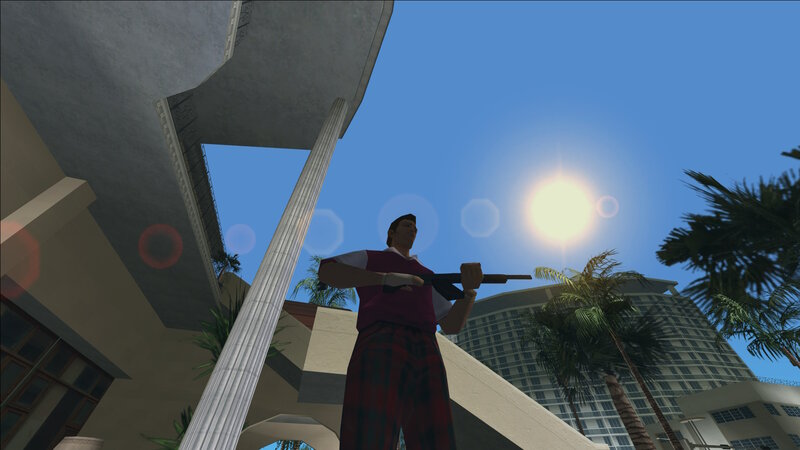
Description: A pack of CLEO Redux scripts made to enhance and expand certain aspects of the game while preserving the original atmosphere as much as possible.
Requirements: CLEO Redux v1.4.3 + CLEO 2.1.1 or newer, GTA: Vice City v1.0.
Installation: Put Structs, vc_enums.mts, vc_funcs.mts, and any scripts of your choice from the list below in your GTA Vice City\CLEO directory.
Scripts:
Toggle crosshair (crosshair[mem].ts): turn the crosshair ON and OFF by pressing Target button.
Drop weapon (dropWeapon[mem].ts): hold Action button to drop your current weapon. It will disappear after 20 seconds.
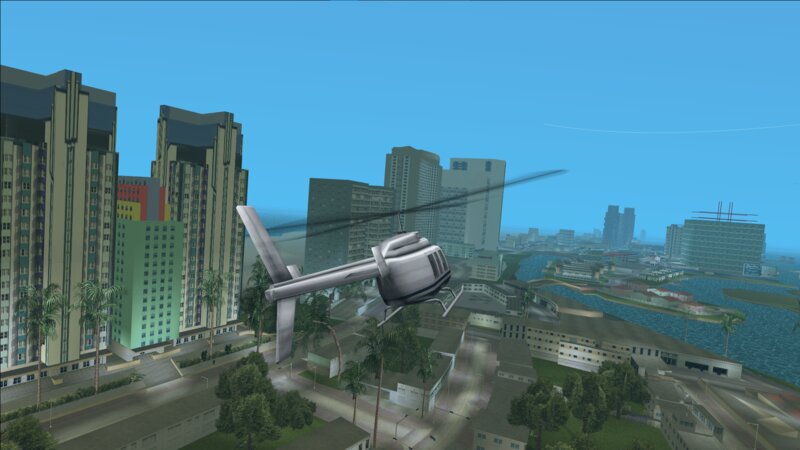
Dynamic FOV (dynamicFov[mem].ts): field of view (FOV) changes depending on your vehicle's speed or on-foot camera angle.
Hide HUD (hideHud[mem].ts): press + on your keyboard to toggle the HUD.
Simple climbing (higherJump[mem].ts): press Jump midair to ‘climb’ (essentially, jump a bit higher).
HUD tweaks (hudTweaks[mem].ts): minor HUD alterations, namely removing zeros in money and a different ammo display style.
Kill flash (killFlash[mem].ts): a brief screen flash on each kill.
Mouse steering (mouseControl[mem].ts): custom mouse steering for all vehicles. Press Right mouse button to toggle between regular (steering) and additional (turn left/right in helicopters; tank cannon rotation; water cannon rotation in firetruck; hydraulics in Voodoo) modes.
No splash screens (noSplashScreens[mem].ts): removes splash screens between the islands.
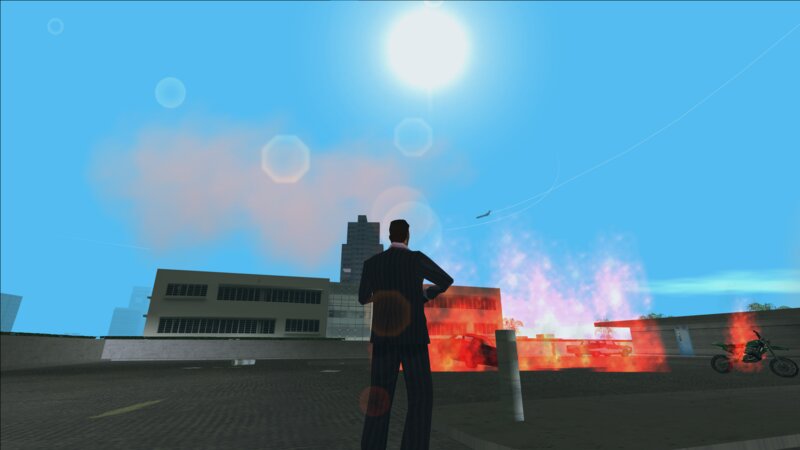
Pyromaniac (pyromaniac[mem].ts): adds fiery vehicle explosions, fire propagation, flamethrower setting ground on fire when fired continuously, and minor visual effects for explosions.
Random gang weapons (randomGangWeapons[mem].ts): randomises gangs' weapons at random intervals.
Weapon recoil (recoil[mem].ts): adds recoil to weapons, shifting the crosshair's position based on the weapon's type.
Regeneration (regeneration[mem].ts): health regenerates up to 50%.
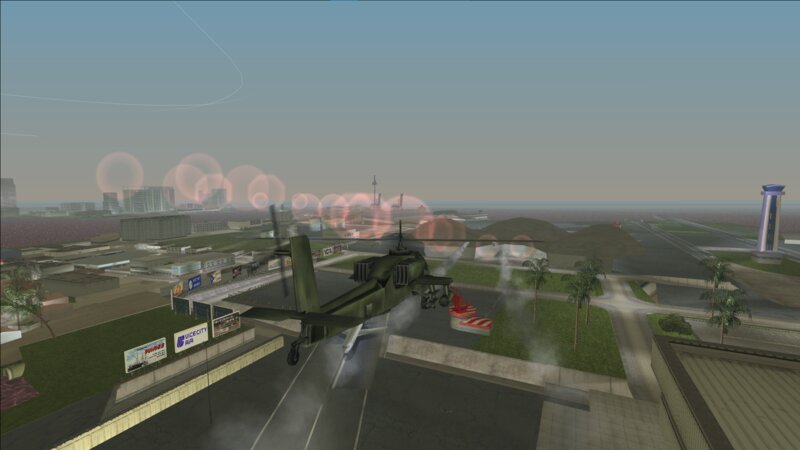
Rocket effects (rocketEffects[mem].ts): adds a corona effect to flying rockets.
Roll while running (runRoll[mem].ts): press Crouch when running to perform a roll.
Save anywhere (saveAnywhere[mem].ts): press F4 while on foot and not on a mission to save the game.
Semi-free camera (semiFreeCamera[mem].ts): orbit the camera freely around Tommy when on foot and not moving.
Sky overlay (skyOverlay[mem].ts): draws a barely visible screen overlay based on the average colour of the sky, making the picture a bit softer.
Walking mode (walking[mem].ts): press Left Alt to toggle walking mode.
Weapon switch animation (weaponchangeAnim[mem].ts): a simple animation when Tommy changes weapons.
Thanks for help to: Miran, Fix, ThirteenAG.
Description: A pack of CLEO Redux scripts made to enhance and expand certain aspects of the game while preserving the original atmosphere as much as possible.
Requirements: CLEO Redux v1.4.3 + CLEO 2.1.1 or newer, GTA: Vice City v1.0.
Installation: Put Structs, vc_enums.mts, vc_funcs.mts, and any scripts of your choice from the list below in your GTA Vice City\CLEO directory.
Scripts:
Toggle crosshair (crosshair[mem].ts): turn the crosshair ON and OFF by pressing Target button.
Drop weapon (dropWeapon[mem].ts): hold Action button to drop your current weapon. It will disappear after 20 seconds.
Dynamic FOV (dynamicFov[mem].ts): field of view (FOV) changes depending on your vehicle's speed or on-foot camera angle.
Hide HUD (hideHud[mem].ts): press + on your keyboard to toggle the HUD.
Simple climbing (higherJump[mem].ts): press Jump midair to ‘climb’ (essentially, jump a bit higher).
HUD tweaks (hudTweaks[mem].ts): minor HUD alterations, namely removing zeros in money and a different ammo display style.
Kill flash (killFlash[mem].ts): a brief screen flash on each kill.
Mouse steering (mouseControl[mem].ts): custom mouse steering for all vehicles. Press Right mouse button to toggle between regular (steering) and additional (turn left/right in helicopters; tank cannon rotation; water cannon rotation in firetruck; hydraulics in Voodoo) modes.
No splash screens (noSplashScreens[mem].ts): removes splash screens between the islands.
Pyromaniac (pyromaniac[mem].ts): adds fiery vehicle explosions, fire propagation, flamethrower setting ground on fire when fired continuously, and minor visual effects for explosions.
Random gang weapons (randomGangWeapons[mem].ts): randomises gangs' weapons at random intervals.
Weapon recoil (recoil[mem].ts): adds recoil to weapons, shifting the crosshair's position based on the weapon's type.
Regeneration (regeneration[mem].ts): health regenerates up to 50%.
Rocket effects (rocketEffects[mem].ts): adds a corona effect to flying rockets.
Roll while running (runRoll[mem].ts): press Crouch when running to perform a roll.
Save anywhere (saveAnywhere[mem].ts): press F4 while on foot and not on a mission to save the game.
Semi-free camera (semiFreeCamera[mem].ts): orbit the camera freely around Tommy when on foot and not moving.
Sky overlay (skyOverlay[mem].ts): draws a barely visible screen overlay based on the average colour of the sky, making the picture a bit softer.
Walking mode (walking[mem].ts): press Left Alt to toggle walking mode.
Weapon switch animation (weaponchangeAnim[mem].ts): a simple animation when Tommy changes weapons.
Komentarze
Liczba dodanych komentarzy: 1.

