Vice City / Mody / Mody
Addon Peds 1.0 Beta
- G.Abinash , Grinch , etc... | dodane przez G.Abinash
- 02/08/2022
- 9525 Pobrania
Oceny:
Najpierw się zaloguj.
Ulubione:
Pobierz
15.79Mb
Odsetek antywirusów, które wykryły zagrożenie: 0%
Zobacz raport skanowania antywirusowego
15.79Mb
Odsetek antywirusów, które wykryły zagrożenie: 0%
Zobacz raport skanowania antywirusowego
Videos
Nie dodano jeszcze filmów.Zaloguj się, żeby dodać film do tego moda.
Opis
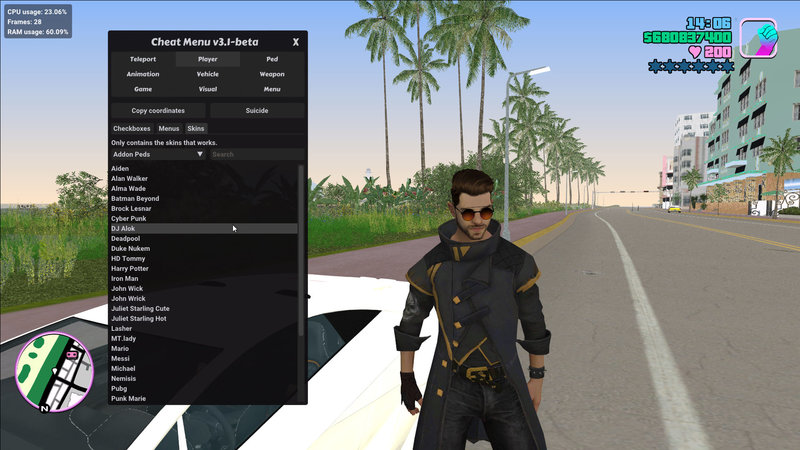
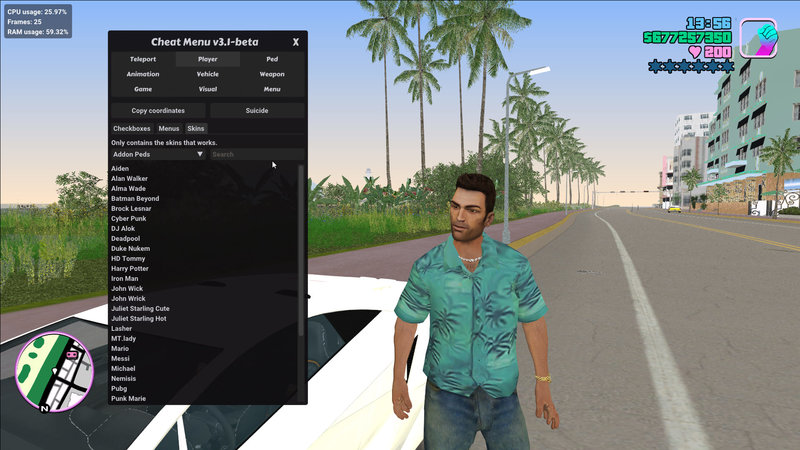
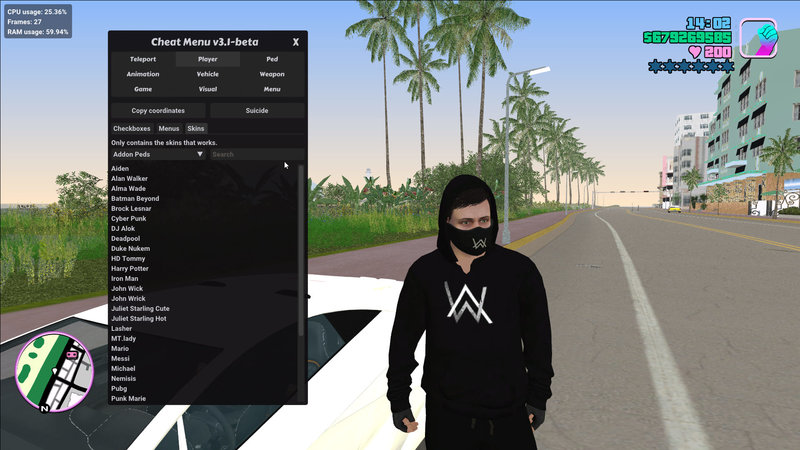
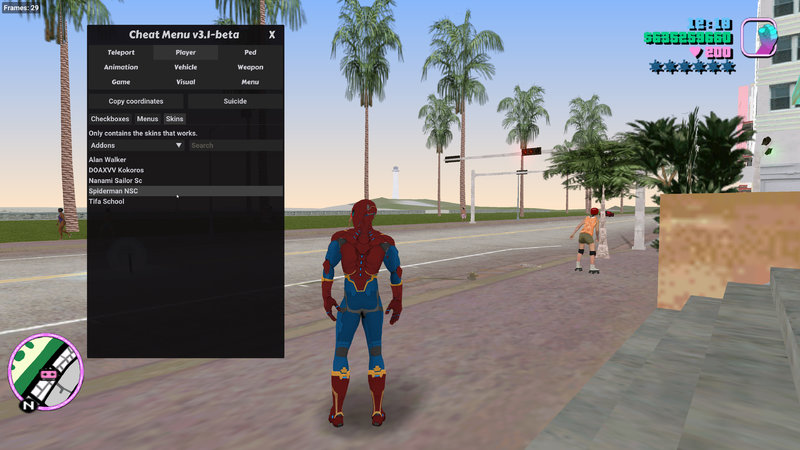
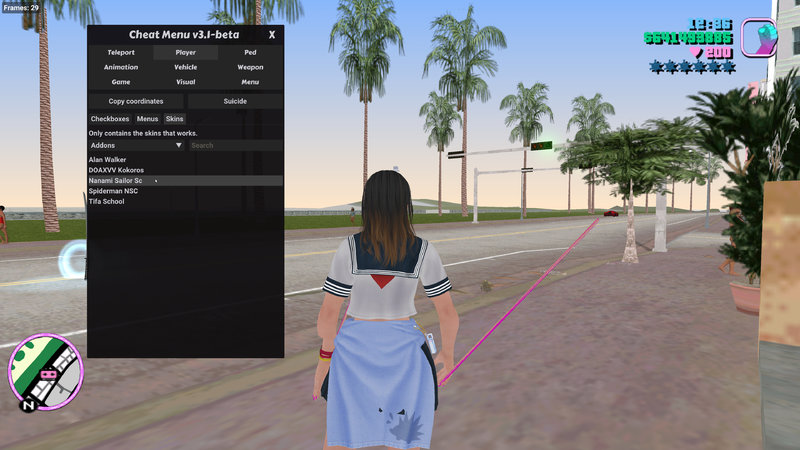
❤️ Addon Peds 1.0 beta... ❤️
Bugs : You can't add more than 26 peds or skins ...
? Installation : ?
? Just extract the files inside the files folder to root folder of vice city...
? How to use it : ?
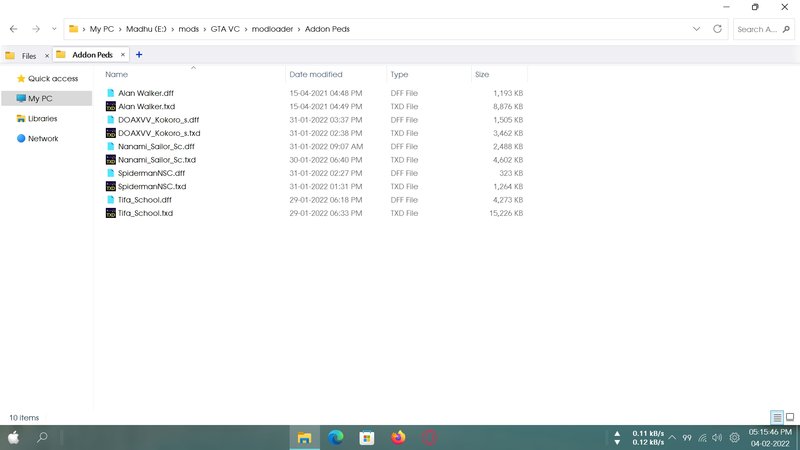
1) First of all, add the ped file (.dff and .txd) you want to add it on game to "modloader/addon peds" folder.
2) Then rename it as its character name...( if you downloaded iron man skin, just rename both .dff and .txd to iron man.dff and iron man.txd)
Note : Both dff and txd should be a same name... Otherwise you get texture missing problems
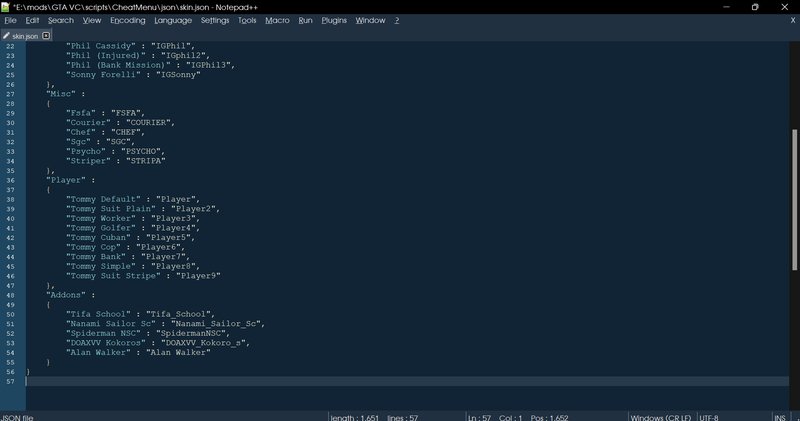
3) Then, Edit "modlader/Cheat Menu/CheatMenu/json/skin.json" it with notepad...
Like add a line under this last line like this...
after "Alan Walker" : "Alan Walker" put a comma "," if you adding more lines...
},
"Addons" :
{
"Alan Walker" : "Alan Walker",
"Iron man" : "Iron man"
Note : They are must be in this format "NAME OF SKIN" : "NAME OF THE SKIN THAT YOU RENAMED IT IN MODLOADER/ADDON FOLDER"
NAME OF SKIN - it should be visible on cheat menu
4) Then save it...
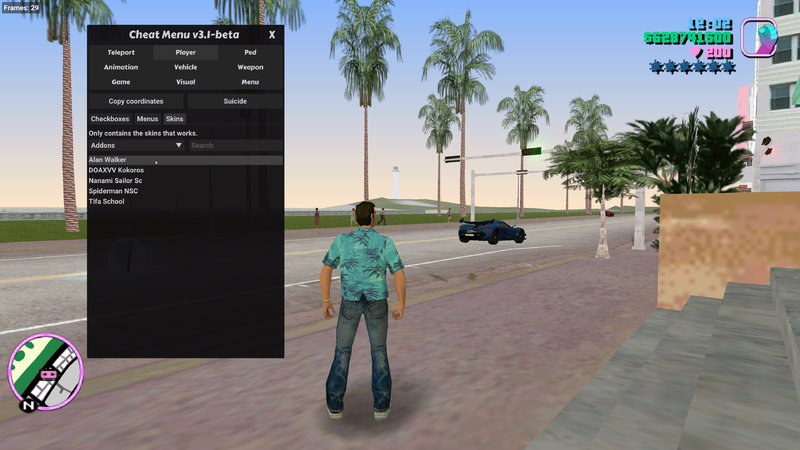
5) Now open vice city then in game press Ctrl+M to open cheat menu...
Then select player then skin and select that skin that you have added it on game...
? Thank You... ?
Special Thanks to
Grinch - CheatMenu
https://github.com/user-grinch/Cheat-Menu/
And all other mods Authors... ❤️
Bugs : You can't add more than 26 peds or skins ...
? Installation : ?
? Just extract the files inside the files folder to root folder of vice city...
? How to use it : ?
1) First of all, add the ped file (.dff and .txd) you want to add it on game to "modloader/addon peds" folder.
2) Then rename it as its character name...( if you downloaded iron man skin, just rename both .dff and .txd to iron man.dff and iron man.txd)
Note : Both dff and txd should be a same name... Otherwise you get texture missing problems
3) Then, Edit "modlader/Cheat Menu/CheatMenu/json/skin.json" it with notepad...
Like add a line under this last line like this...
after "Alan Walker" : "Alan Walker" put a comma "," if you adding more lines...
},
"Addons" :
{
"Alan Walker" : "Alan Walker",
"Iron man" : "Iron man"
Note : They are must be in this format "NAME OF SKIN" : "NAME OF THE SKIN THAT YOU RENAMED IT IN MODLOADER/ADDON FOLDER"
NAME OF SKIN - it should be visible on cheat menu
4) Then save it...
5) Now open vice city then in game press Ctrl+M to open cheat menu...
Then select player then skin and select that skin that you have added it on game...
? Thank You... ?
Special Thanks to
Grinch - CheatMenu
https://github.com/user-grinch/Cheat-Menu/
And all other mods Authors... ❤️
Komentarze
Liczba dodanych komentarzy: 10.








02/12/2022 05:40
@AmW_47
I can't get what you are saying... but anyway it worked for you...
Also please be careful while editing json files...
especially don't forget to put commas to the line before the last line...
like this
},
"Addons" :
{
"Alan Walker" : "Alan Walker",
"Iron man" : "Iron man"
Cytuj | Odpowiedz | (1)
@AmW_47
I can't get what you are saying... but anyway it worked for you...
Also please be careful while editing json files...
especially don't forget to put commas to the line before the last line...
like this
},
"Addons" :
{
"Alan Walker" : "Alan Walker",
"Iron man" : "Iron man"
Cytuj | Odpowiedz | (1)