Vice City / Android/iOS / Mody
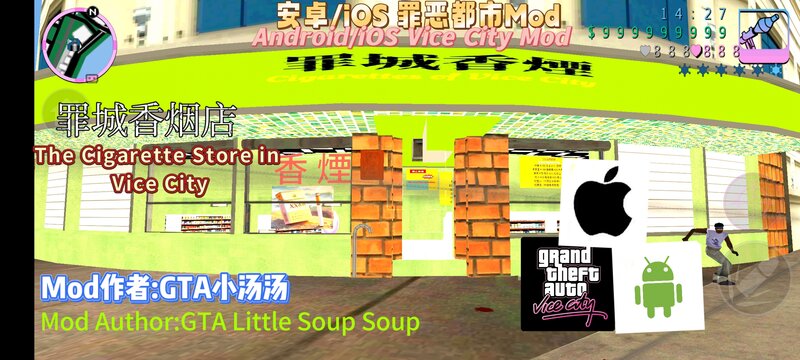
The Cigarette Store in Vice City for Mobile
- GTA Little Soup Soup | dodane przez GTALittleSoupSoup
- 04/20/2025
- 1882 Pobrania
Oceny:
Najpierw się zaloguj.
Ulubione:
Pobierz
3.63Mb
Odsetek antywirusów, które wykryły zagrożenie: 0%
Zobacz raport skanowania antywirusowego
3.63Mb
Odsetek antywirusów, które wykryły zagrożenie: 0%
Zobacz raport skanowania antywirusowego
Videos
Nie dodano jeszcze filmów.Zaloguj się, żeby dodać film do tego moda.
Opis
MOD Author: GTA Xiaotangtang
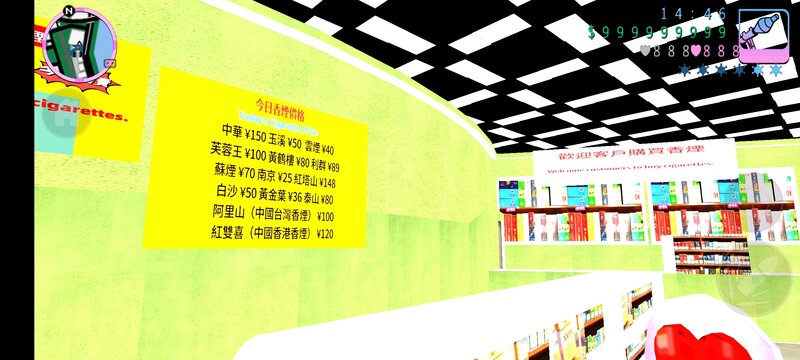
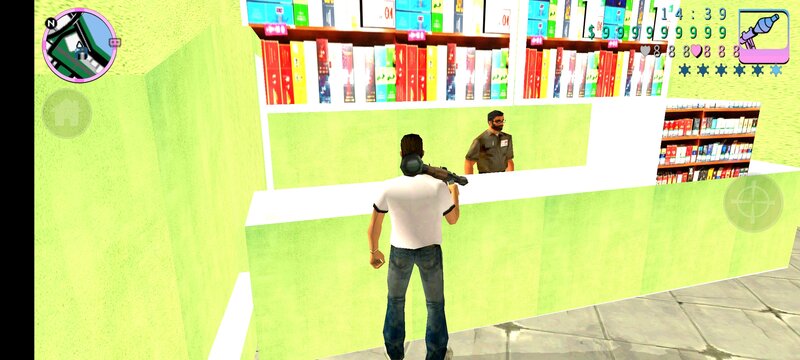
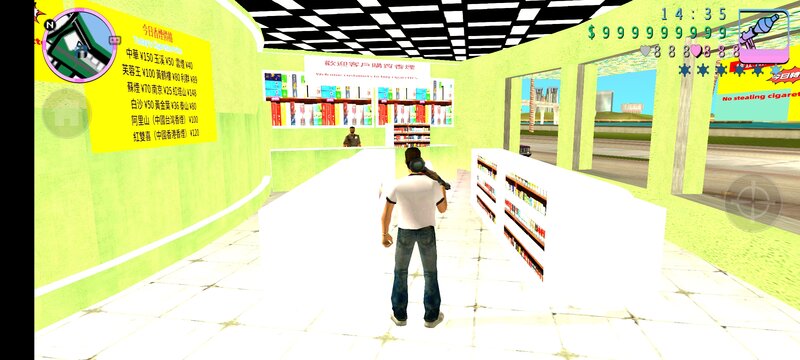
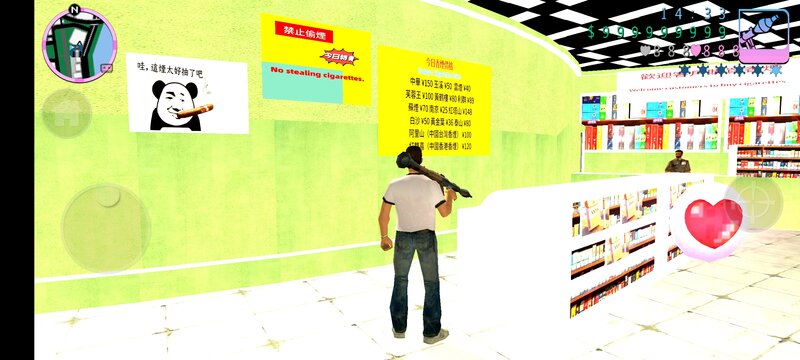
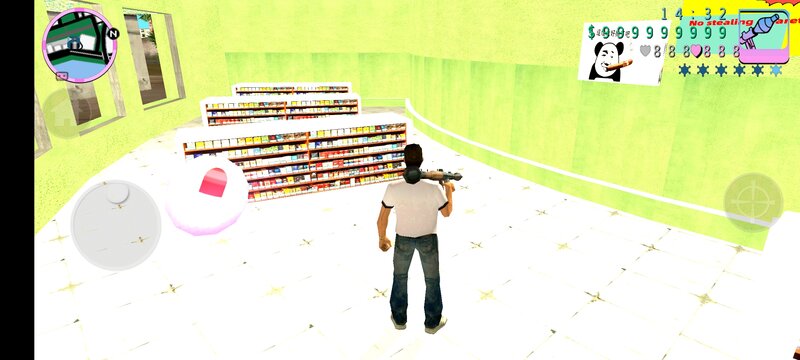
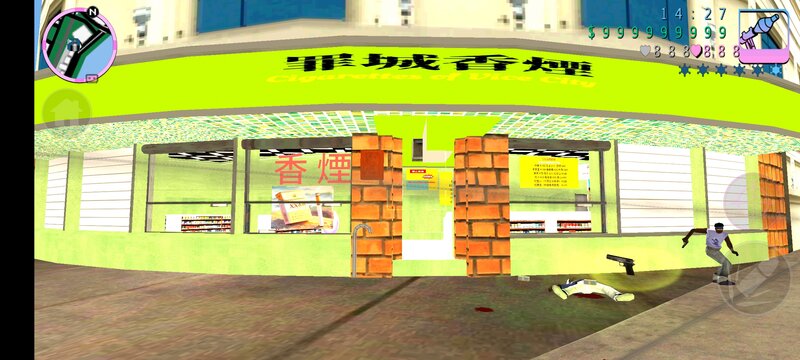
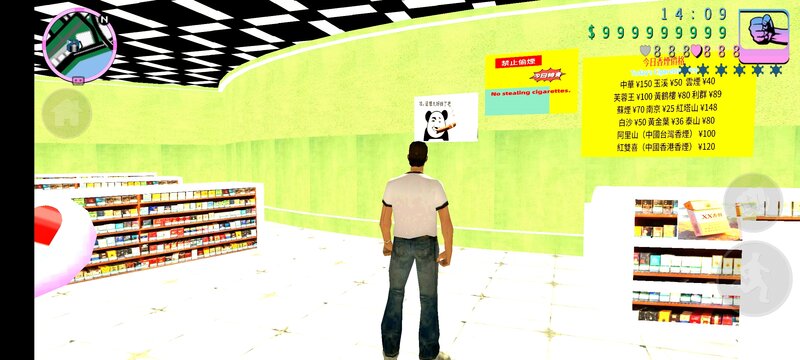
Introduction: Step into the Cigarette Store in Vice City, and a dazzling array of tobacco products will immediately catch your eye. Here, there are well-known brand cigarettes from all over the world. From the classic and mellow flue-cured type, the refreshing and light mixed type to the exotic outer-flavor type, everything is available. Whether you are a senior smoker who pursues the ultimate taste or a novice who wants to try new flavors, you can find your favorite choice here. In addition to the rich variety of cigarettes, the Cigarette Store in Vice City also offers a wide range of cigars. From the strong and rich Cuban cigars to the mild and delicate Dominican cigars, each one is made from carefully selected high-quality tobacco leaves and rolled with great care, bringing you an unparalleled tasting experience.
You need to prepare the ES File Explorer and TXD TOOL.
1. Open the ES File Explorer, click on the internal storage, then click on Android, and then click on obb. Find the folder with the Grand Theft Auto: Vice City icon and click to enter. Rename the files inside and add a “.obb” to them. Then click on the compressed package, and extract the files named “gta3hi” (there are ten files named “gta3hi”) from the “texdb” in the obb file. Unzip them to Android/data/com.rockstargames.gtavc/files. If you exit after compression, remove the “.zip” to make it go back to its original form. If you don't change it, you won't be able to enter the game. Then deal with the files in this compressed package and txd.zip (building texture maps).
2. Open the TXD TOOL, click on the first icon in the lower right corner of gta3hi.txt, click on Umcompressed 32bpp, click on Select All Images, and then click on the checkmark. Then click on Overlay Texture Maps (just overlay the texture maps).
Introduction: Step into the Cigarette Store in Vice City, and a dazzling array of tobacco products will immediately catch your eye. Here, there are well-known brand cigarettes from all over the world. From the classic and mellow flue-cured type, the refreshing and light mixed type to the exotic outer-flavor type, everything is available. Whether you are a senior smoker who pursues the ultimate taste or a novice who wants to try new flavors, you can find your favorite choice here. In addition to the rich variety of cigarettes, the Cigarette Store in Vice City also offers a wide range of cigars. From the strong and rich Cuban cigars to the mild and delicate Dominican cigars, each one is made from carefully selected high-quality tobacco leaves and rolled with great care, bringing you an unparalleled tasting experience.
You need to prepare the ES File Explorer and TXD TOOL.
1. Open the ES File Explorer, click on the internal storage, then click on Android, and then click on obb. Find the folder with the Grand Theft Auto: Vice City icon and click to enter. Rename the files inside and add a “.obb” to them. Then click on the compressed package, and extract the files named “gta3hi” (there are ten files named “gta3hi”) from the “texdb” in the obb file. Unzip them to Android/data/com.rockstargames.gtavc/files. If you exit after compression, remove the “.zip” to make it go back to its original form. If you don't change it, you won't be able to enter the game. Then deal with the files in this compressed package and txd.zip (building texture maps).
2. Open the TXD TOOL, click on the first icon in the lower right corner of gta3hi.txt, click on Umcompressed 32bpp, click on Select All Images, and then click on the checkmark. Then click on Overlay Texture Maps (just overlay the texture maps).
Komentarze
Liczba dodanych komentarzy: 0.