San Andreas / Broń / Broń palna
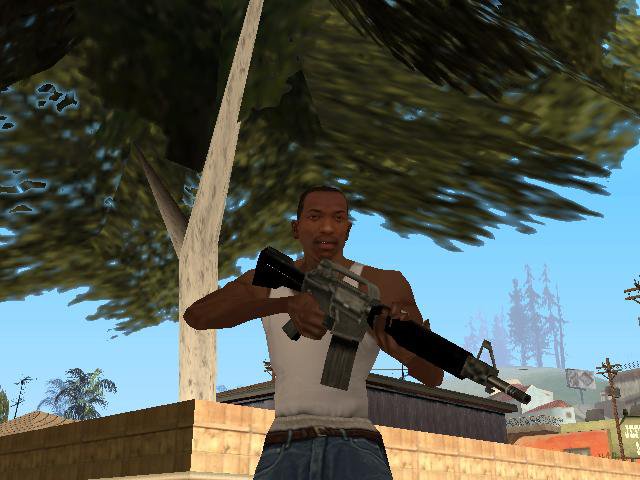
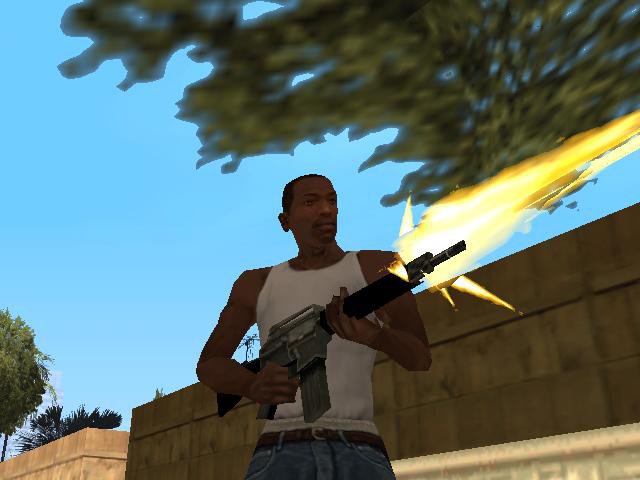
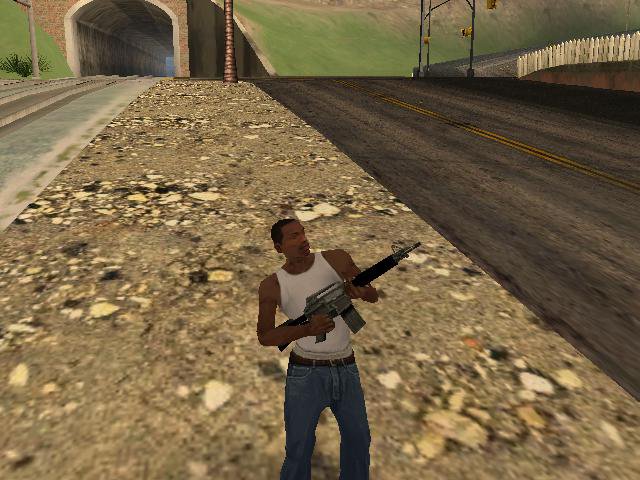
M4
- Lithma | dodane przez Lithma
- 11/20/2015
- 4611 Pobrania
Oceny:
Najpierw się zaloguj.
Ulubione:
Pobierz
19.82Kb
Odsetek antywirusów, które wykryły zagrożenie: 0%
Zobacz raport skanowania antywirusowego
19.82Kb
Odsetek antywirusów, które wykryły zagrożenie: 0%
Zobacz raport skanowania antywirusowego
Videos
Nie dodano jeszcze filmów.Zaloguj się, żeby dodać film do tego moda.
Opis
=========
GTA San Andreas
=========
======
:Install: {From txdworkshop}
======
1.Choose "From IMG Tool" or "From txdworkshop" folder and open it.
2.Ex:From txdworkshop,you need TXD Workshop tool,download it here:http://www.gtagarage.com/mods/show.php?id=8320
3.Open TXD Workshop,Click "Open IMG" and scroll down until you get the name "m4.txd" then click it.
4.Click "M4icon" and click "Import" then brwose and replace it with my one.
5.Do the same to the "gun_m4".
6.Then click "Save TXD".
======
:Install: {From IMG Tool}
======
1.Download IMG Tool and Click "Open" then browse and choose "gta3.img".
2.Find "m4.txd" and replace it with my one.
Have Fun!
Download and Play!
Mod by - Lithma
GTA San Andreas
=========
======
:Install: {From txdworkshop}
======
1.Choose "From IMG Tool" or "From txdworkshop" folder and open it.
2.Ex:From txdworkshop,you need TXD Workshop tool,download it here:http://www.gtagarage.com/mods/show.php?id=8320
3.Open TXD Workshop,Click "Open IMG" and scroll down until you get the name "m4.txd" then click it.
4.Click "M4icon" and click "Import" then brwose and replace it with my one.
5.Do the same to the "gun_m4".
6.Then click "Save TXD".
======
:Install: {From IMG Tool}
======
1.Download IMG Tool and Click "Open" then browse and choose "gta3.img".
2.Find "m4.txd" and replace it with my one.
Have Fun!
Download and Play!
Mod by - Lithma
Komentarze
Liczba dodanych komentarzy: 2.



 Shoot like this.