San Andreas / Narzędzia / Narzędzia do tworzenia samochodów, map, modów itp.
TEXTURE FUSION TOOL V2.4 - COMBINE PBR MAPS TO 1 TEXTURE
- iKz Mods | dodane przez iKzMods
- ikzmods.pages.dev
- 08/30/2026
- 220 Pobrania
Oceny:
Najpierw się zaloguj.
Ulubione:
69.83Mb
Odsetek antywirusów, które wykryły zagrożenie: 3.22581%
Zobacz raport skanowania antywirusowego
Videos
Zaloguj się, żeby dodać film do tego moda.
Opis
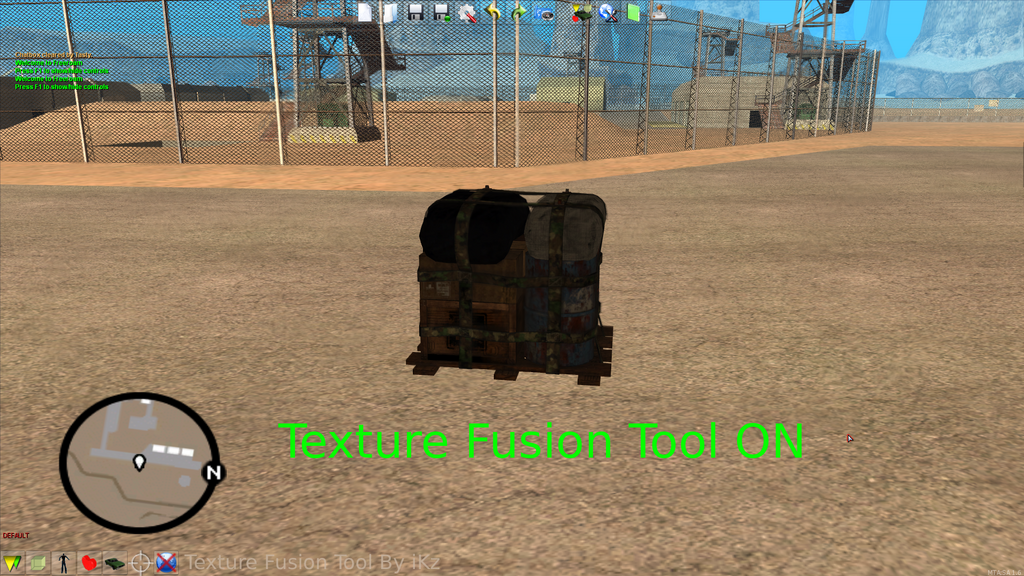
Welcome to the official release of Texture Fusion Tool v2.4!
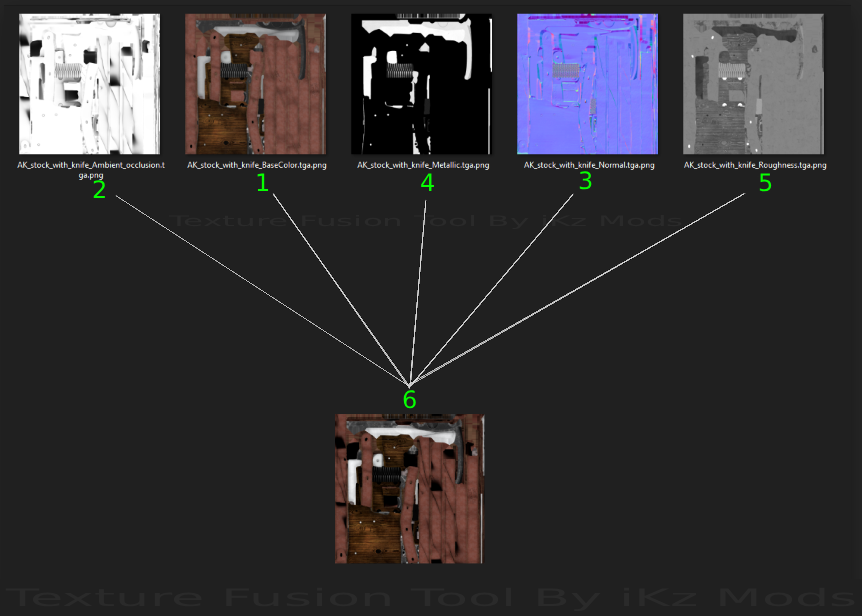
If you're a 3D artist or a modder of classic games like Grand Theft Auto: San Andreas (GTA SA) or Multi Theft Auto (MTA), you know perfectly well how difficult it can be to implement PBR Type materials (Base color, Ambient occlusion AO, Normal Map Directx Metallic, Roughness) in old graphics engines like RenderWare, which normally only support simple diffuse maps.
Texture Fusion Tool v2.4 is an application specifically designed to bridge that gap. This tool allows you to take multiple high-quality PBR maps (Base Color/Albedo, Ambient Occlusion, Normal Map, Metallic, and Roughness) and seamlessly combine them into a single, highly optimized texture.
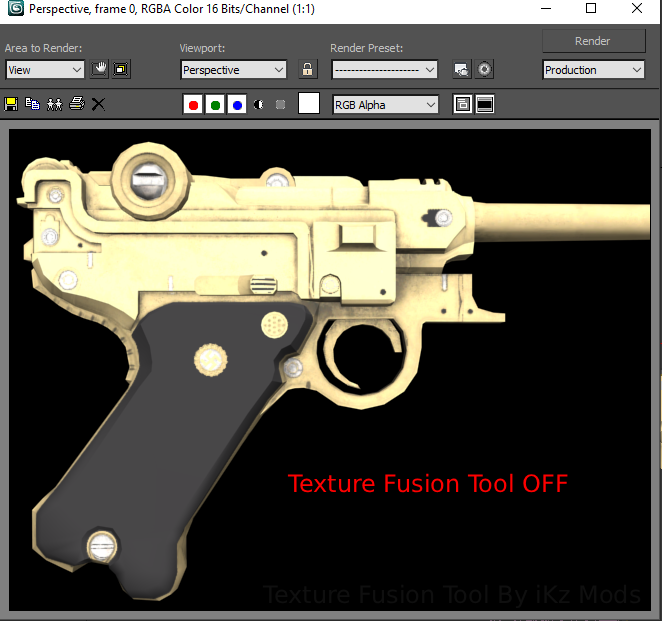
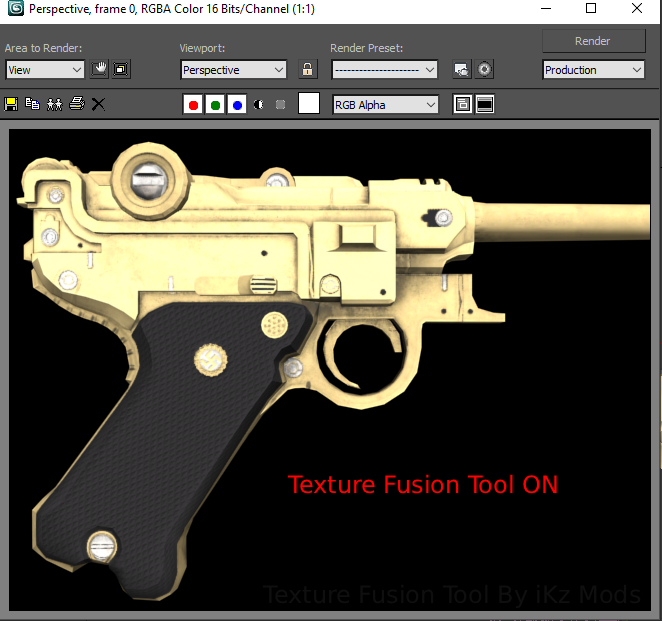
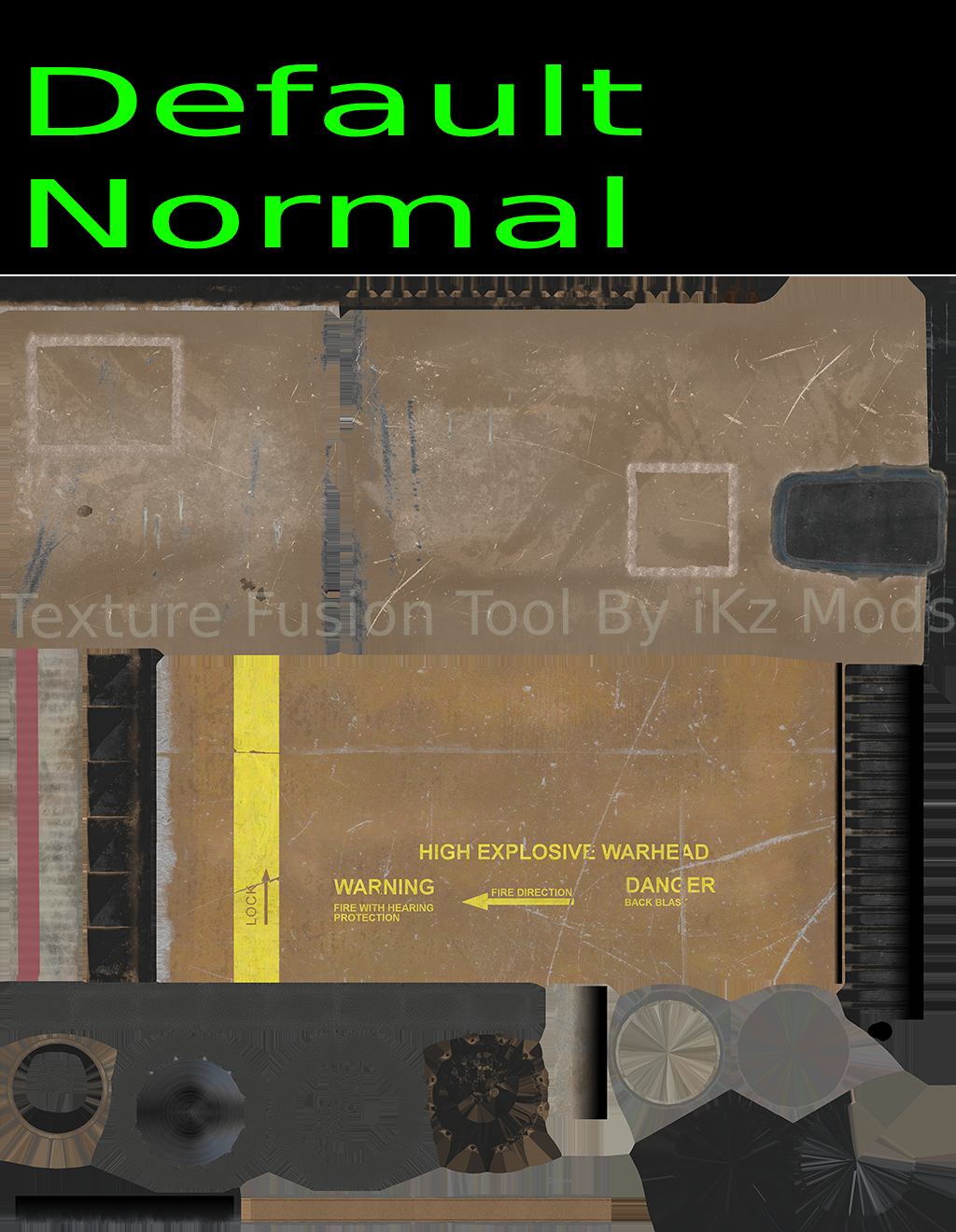
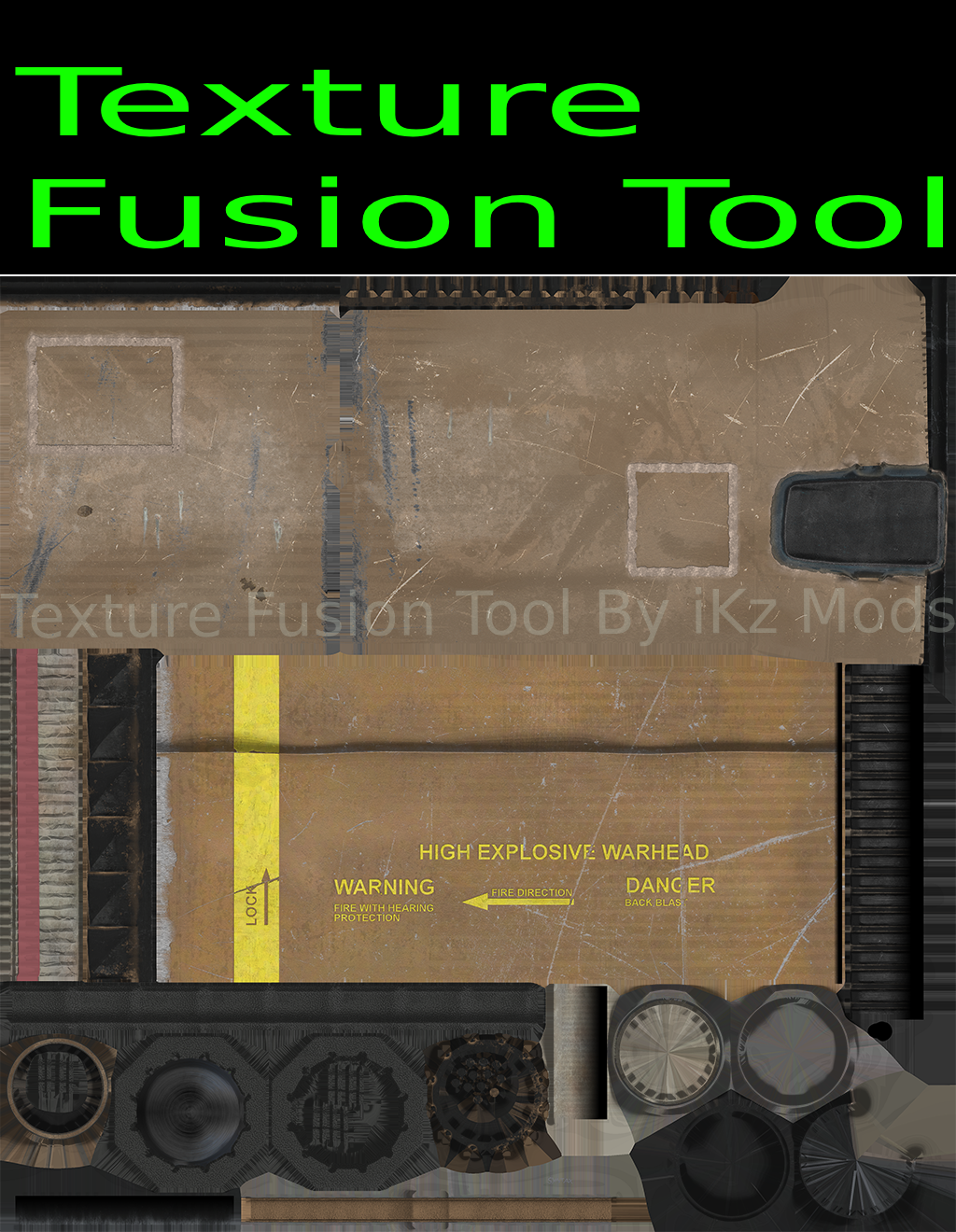
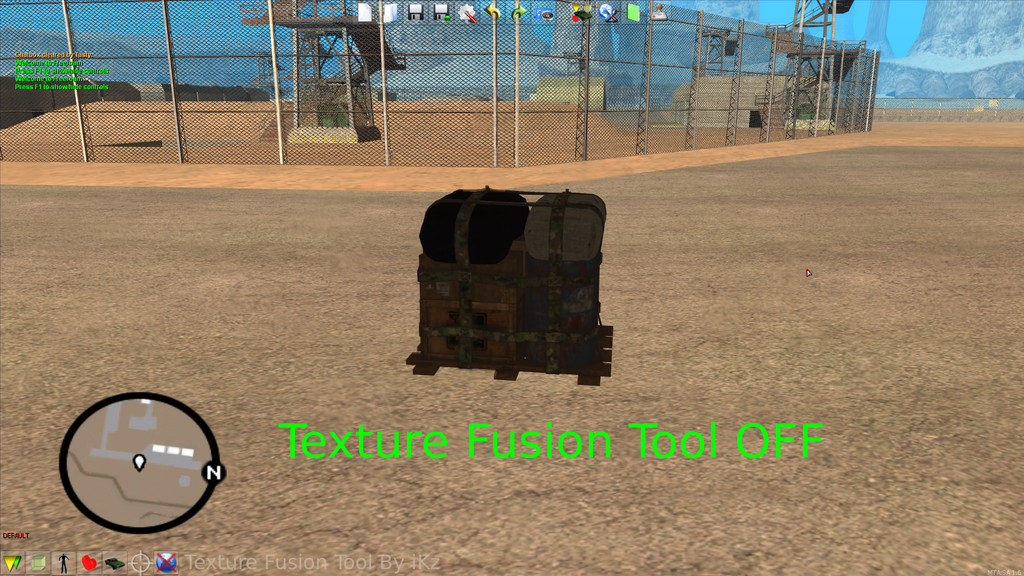
Now you can achieve incredible faux reflections, surface depth, and realistic material finishes in your mods without the need for shaders, CLEO, scripts, or ENB!
? KEY FEATURES IN VERSION 2.4:
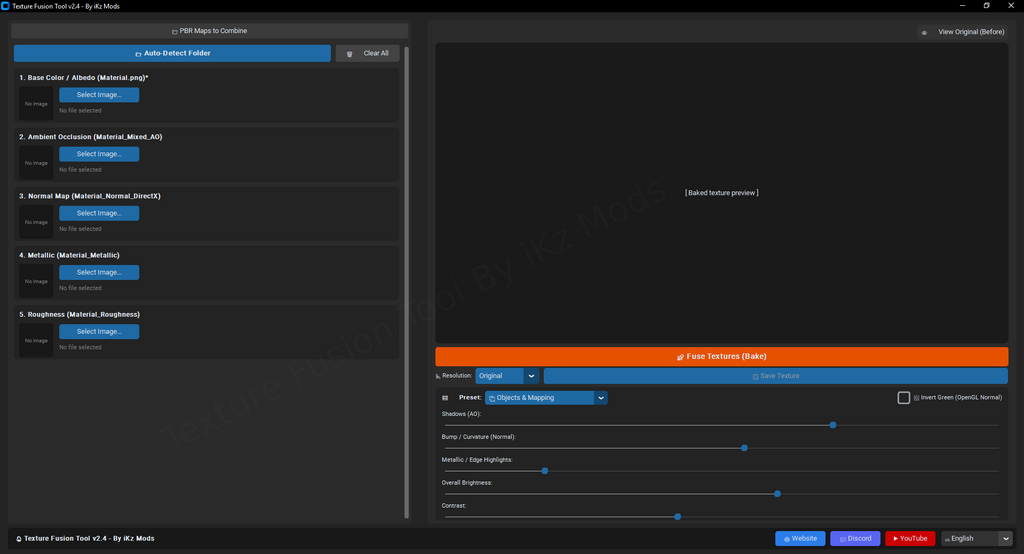
• Auto-Detect Folder: Save time with the smart import feature. Simply select your working folder, and the program will automatically assign your Base Color, AO, Normal, Metallic, and Roughness maps to their correct slots based on the file naming conventions.
• Smart Baking Presets: Tailor your final render with built-in presets like 'Objects & Mapping' for environmental assets, or 'Weapons (Metal / Finish)' to get the absolute best lighting and material response for gun mods.
• Advanced Slider Adjustments: Take full control of your final image. Manually tweak Shadows (AO intensity), Bump / Curvature (Normal map strength), Metallic edge highlights, and Overall Brightness to get the exact aesthetic you need before exporting.
• Normal Map Flexibility: easily check the "Invert Green" box to switch between OpenGL and DirectX normal map standards.
• Real-Time Preview: A clean, dark-mode user interface featuring a live preview window so you can see your baked texture update instantly as you adjust the sliders.
• Multi-Language Support: Accessible to creators worldwide with support for English, Spanish, Portuguese, Russian, and more.
?️ HOW TO USE IN 5 EASY STEPS:
Click "Auto-Detect Folder" and choose the directory containing your exported PBR images.
Select your desired output resolution (or leave it as Original).
Choose a preset.
Depending on whether your texture is a weapon, a car, a mapped object, etc.
Adjust shadows, metallic sheen, and contrast using the sliders. (Optional for advanced users)
Click the "Fuse Textures (Bake)" button and watch the magic happen.
Save your new combined texture as a PNG and import it into your Blender or Autodesk project, or directly into Magic.TXD or Txd Workshop.
Whether you are texturing custom weapons, vehicles, or architectural environments, this tool will massively speed up your workflow and elevate the quality of your releases.
Komentarze
Liczba dodanych komentarzy: 1.