San Andreas / Mody / Mody CLEO
CAR MODIFICATION WEAPON
- DiezMod97 | dodane przez adiezmod97
- m.youtube.com/@DiezMod97
- 10/11/2026
- 51 Pobrania
Oceny:
Najpierw się zaloguj.
Ulubione:
30.35Kb
Odsetek antywirusów, które wykryły zagrożenie: 0%
Zobacz raport skanowania antywirusowego
Videos
Zaloguj się, żeby dodać film do tego moda.
Opis
MOD FOR GTA SA PC:
HOW TO INSTALL MOD:
1. Folder (CARMODWEAPON) to folder Modloader GTA SA.
2. Requires Cleo+ 1.2.0 (or higher) version is required.
ABOUT MOD:
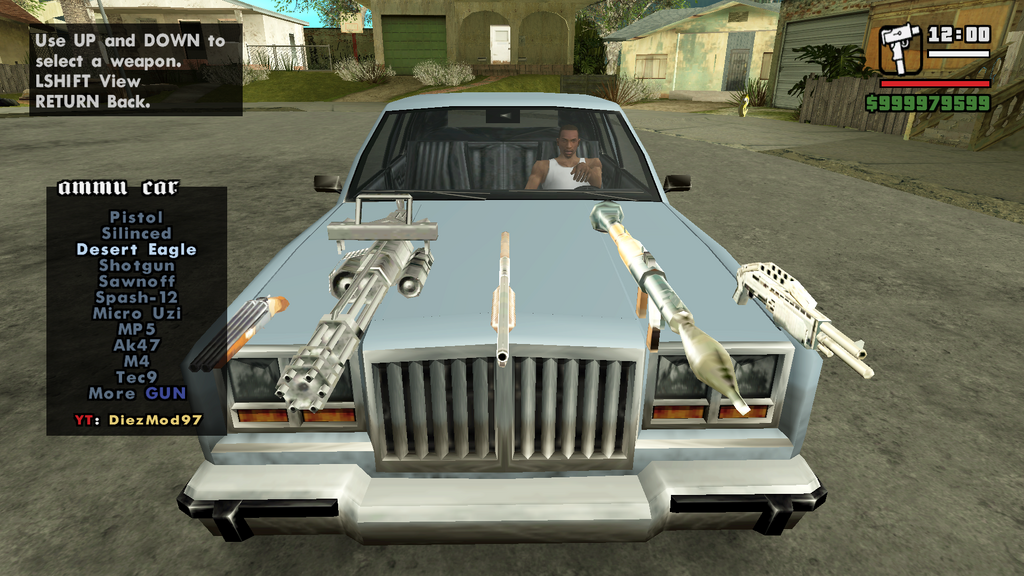
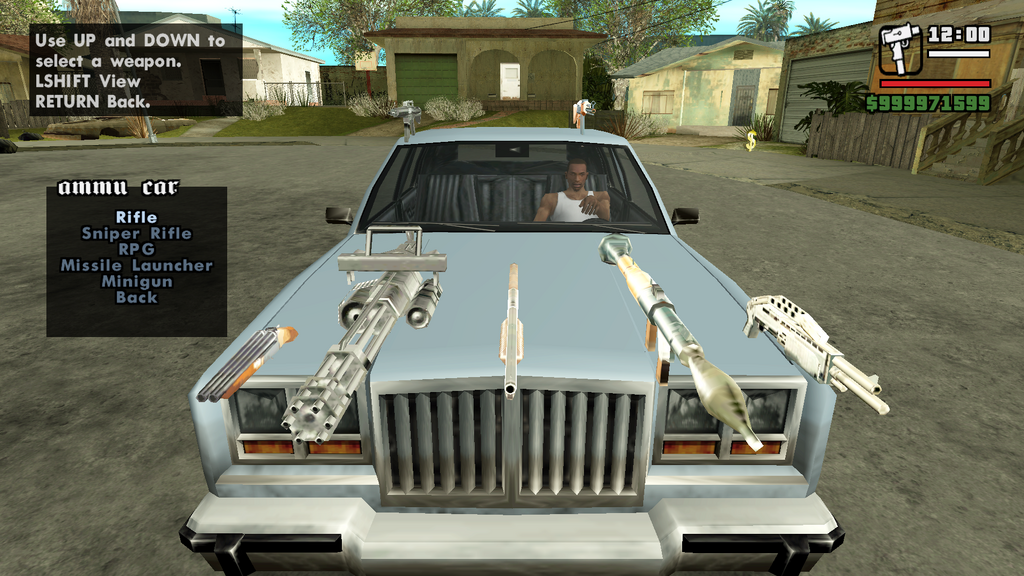
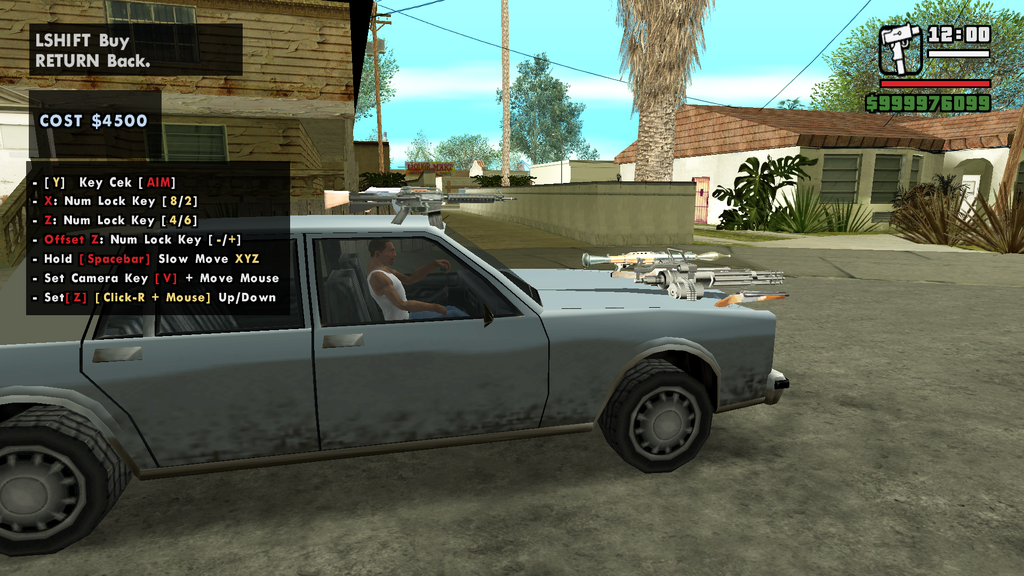
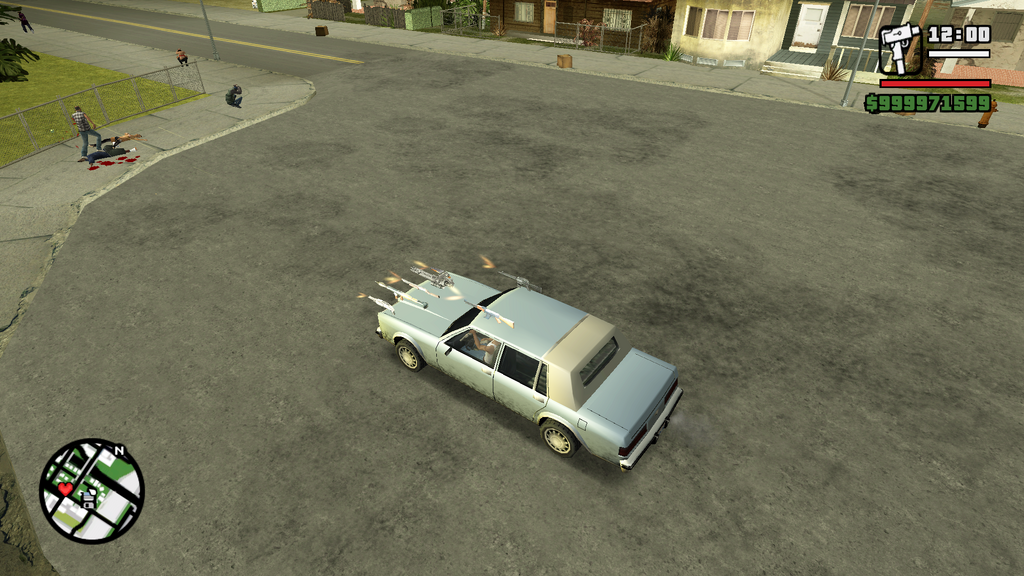
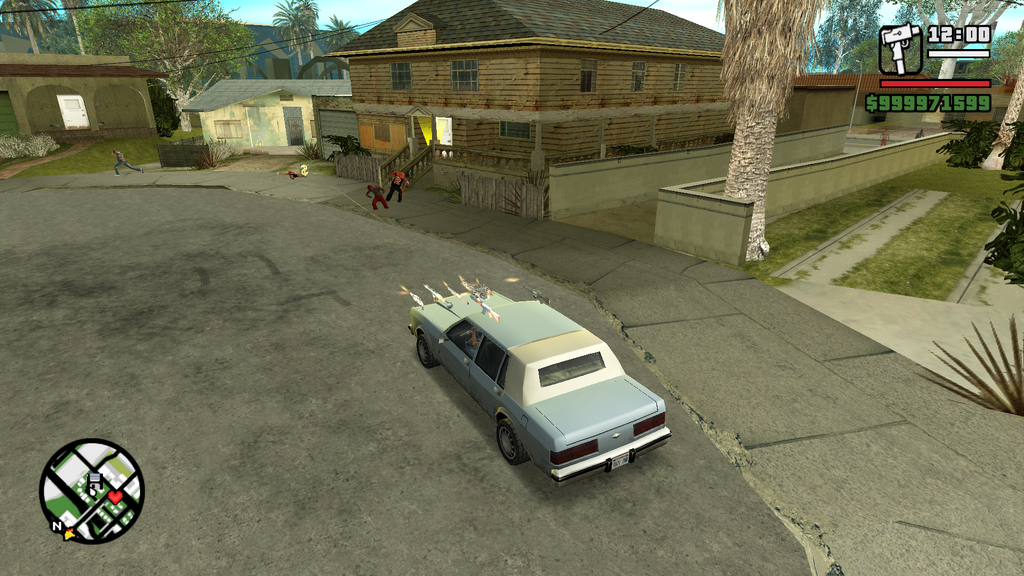
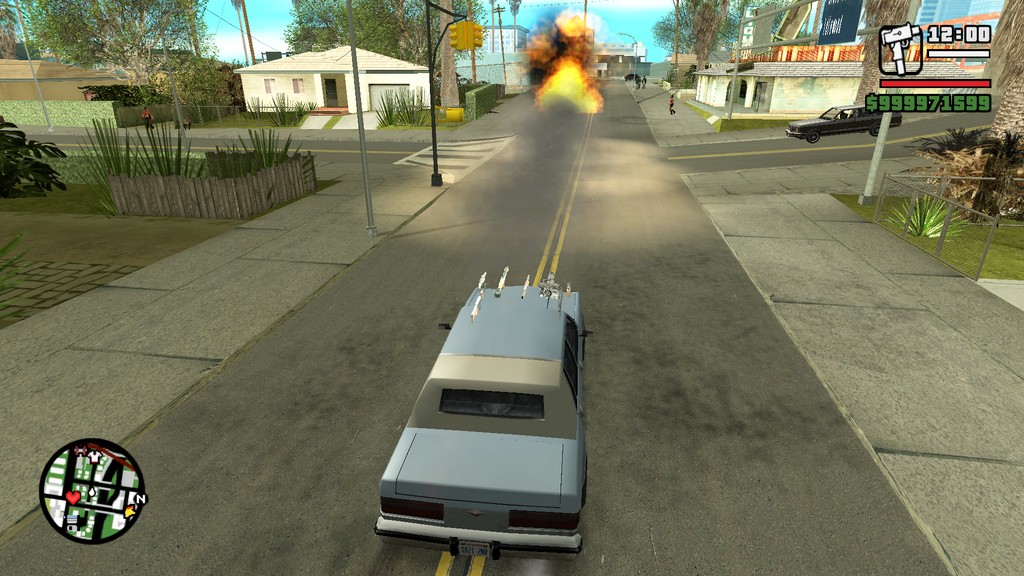
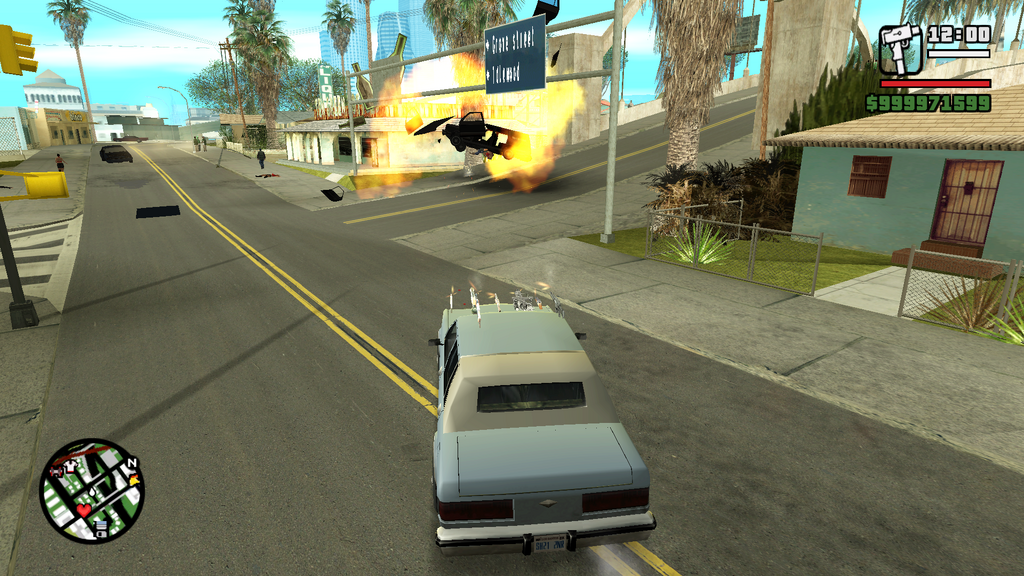
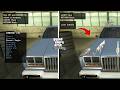
If you use this mod, you can modify any vehicle by adding weapons to vehicle.
However, this is not a vehicle modification mod, It is a mod for purchasing weapon equipment to be mounted on the vehicle.
If you want to use this mod, I recommend using the weapon skins from the original version of GTA SA, without any weapon skin modifications.
Weapon skin mods may affect this mod, as I have calibrated the vehicle-mounted weapon aiming based on the original GTA SA weapon versions.
HOW TO ENABLE MOD IN GAME:
WHEN PLAYER IS DRIVING:
1. PRESS: (SPACEBAR + ENTER) On Keyboard For Mod ON.
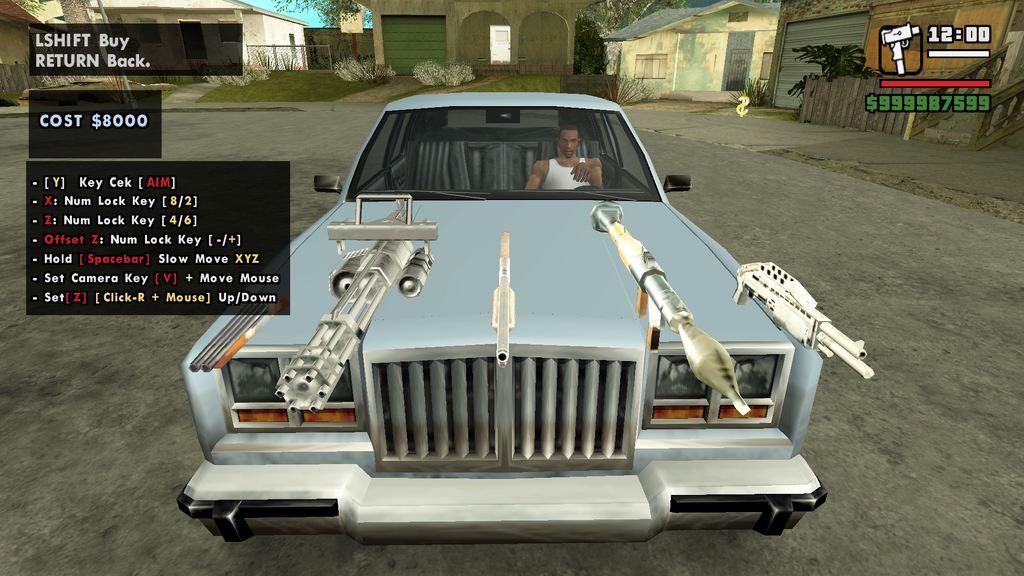
- After selecting a weapon to mount on the vehicle, use the (W, A, S, D) keys on your keyboard to adjust the weapon's position and distance.
- If movement is too fast when adjusting position and distance using the (W, A, S, D) keys, hold down the (SPACEBAR) key while pressing them to slow down the movement.
- To raise or lower the weapon position on the vehicle, press the (-) or (+) key with (NUM LOCK ON) On Keyboard.
- To adjust the weapon's (Rotation and Z-angle). (4, 8, 6, 2) key with (NUM LOCK ON) On Keyboard.
- It is best not to adjust the rotation or Z-angle settings; leave them in their original positions.
- Altering these settings will affect the weapon, specifically the aim of the weapon mounted on the vehicle.
- To adjust the (CAMERA) position when purchasing a weapon. PRESS (V) On Keyboard. Then move your mouse.
After you have finished purchasing the weaponry equipment and installing it on the vehicle.
HOW TO SHOT WEAPON:
2. PRESS (Left-Click) On Mouse: To fire Weapon.
- For the RPG (Rocket Launcher), use (CTRL) to fire.
3. When you exit the vehicle, the weapons mounted on it remain functional for use should you get back inside.
However, if you stray too far from the weapon-modified vehicle, the weapon will automatically disappear.
- CS Script Mods By. DiezMod97
Happy Enjoy :)
YouTube: https://m.youtube.com/@DiezMod97
Komentarze
Liczba dodanych komentarzy: 0.