San Andreas / Android/iOS / Broń
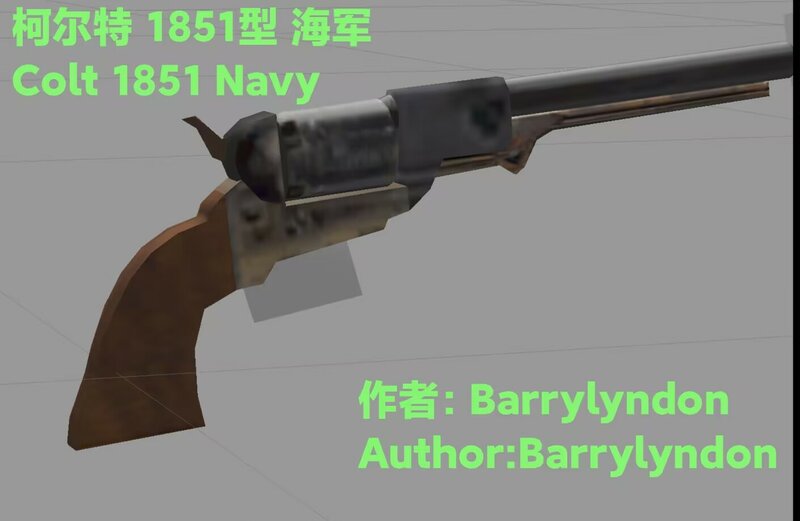
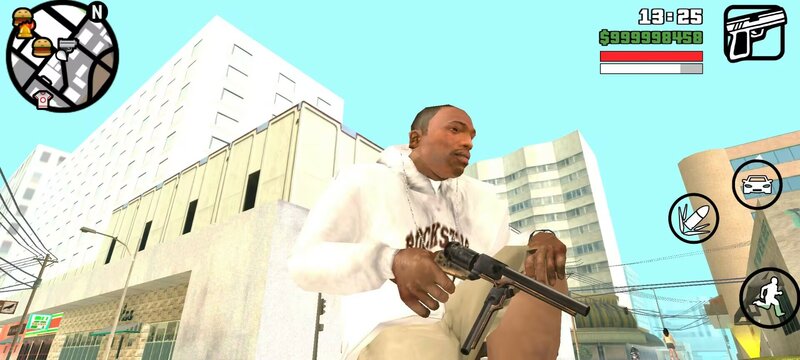
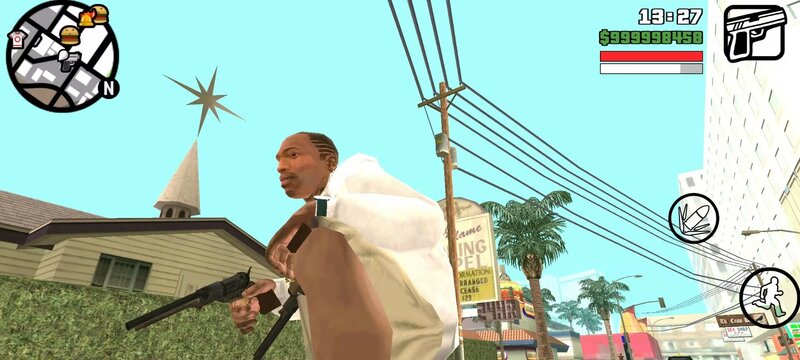
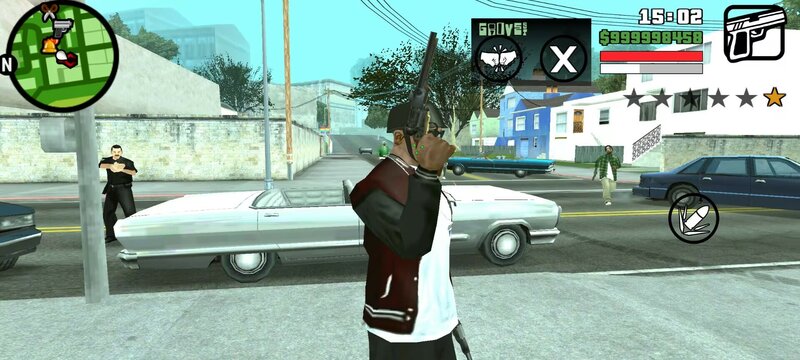
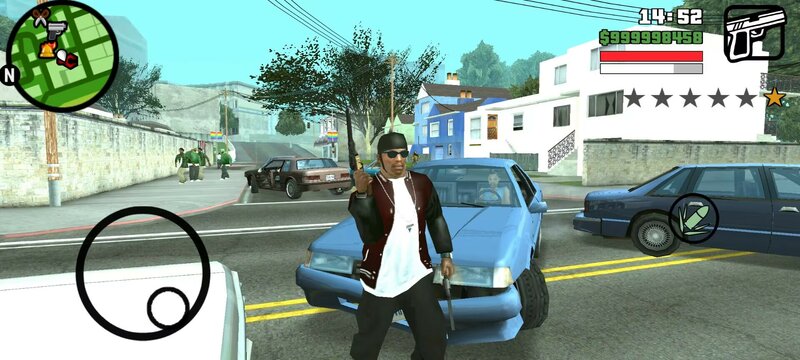
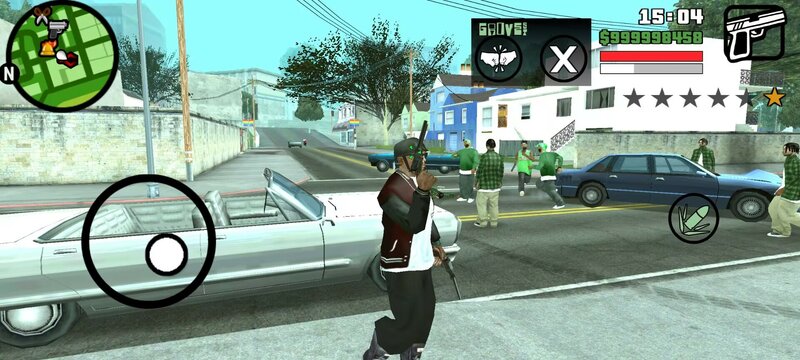
Colt 1851 Navy for Mobile
- Barrylyndon | dodane przez GTA Little Soup Soup
- 03/02/2025
- 2929 Pobrania
Oceny:
Najpierw się zaloguj.
Ulubione:
Pobierz
37.24Kb
Odsetek antywirusów, które wykryły zagrożenie: 0%
Zobacz raport skanowania antywirusowego
37.24Kb
Odsetek antywirusów, które wykryły zagrożenie: 0%
Zobacz raport skanowania antywirusowego
Videos
Nie dodano jeszcze filmów.Zaloguj się, żeby dodać film do tego moda.
Opis
MOD Author: Barrylyndon
Character Introduction: The Colt 1851 Navy is a percussion-fired, single-action revolver developed by Samuel Colt between 1847 and 1850. This pistol was first produced in 1851 and continued to be manufactured until 1873, gradually being replaced by pistols using metallic cartridges.
The model is over 300 KB in size. The replacement model is colt45.dff (Colt 45). You need to prepare the ES File Explorer, TXD TOOL, and IMG TOOL.
Open the ES File Explorer, click on Internal Storage, then click on Android, and then click on obb. Find the folder with the Grand Theft Auto: San Andreas icon and click to enter it. Rename the two gray files inside by adding a ".obb" at the end. Then click on the compressed package, and extract the gta3 (folder) and gta3.img (gray file) from the texdb folder. Then unzip the dff.zip and txd.zip files in this compressed package (which contain the dff model and textures).
Click on IMG TOOL, open the gta3.img file in the texdb folder, search for colt45, and then delete it. Then find the unzipped Colt 1851 Navy (colt45.dff) and put it in.
Then open TXD TOOL, click on txd in the lower right corner of gta3.txt, select colt45.txd, and then click on Select to Overwrite and Create Association. Don't click on Fix Case.
Character Introduction: The Colt 1851 Navy is a percussion-fired, single-action revolver developed by Samuel Colt between 1847 and 1850. This pistol was first produced in 1851 and continued to be manufactured until 1873, gradually being replaced by pistols using metallic cartridges.
The model is over 300 KB in size. The replacement model is colt45.dff (Colt 45). You need to prepare the ES File Explorer, TXD TOOL, and IMG TOOL.
Open the ES File Explorer, click on Internal Storage, then click on Android, and then click on obb. Find the folder with the Grand Theft Auto: San Andreas icon and click to enter it. Rename the two gray files inside by adding a ".obb" at the end. Then click on the compressed package, and extract the gta3 (folder) and gta3.img (gray file) from the texdb folder. Then unzip the dff.zip and txd.zip files in this compressed package (which contain the dff model and textures).
Click on IMG TOOL, open the gta3.img file in the texdb folder, search for colt45, and then delete it. Then find the unzipped Colt 1851 Navy (colt45.dff) and put it in.
Then open TXD TOOL, click on txd in the lower right corner of gta3.txt, select colt45.txd, and then click on Select to Overwrite and Create Association. Don't click on Fix Case.
Komentarze
Liczba dodanych komentarzy: 0.