San Andreas / Android/iOS / Skiny
TV CJ for Mobile
- GTA Little Soup Soup | dodane przez GTA Little Soup Soup
- 03/08/2025
- 2270 Pobrania
Oceny:
Najpierw się zaloguj.
Ulubione:
Pobierz
30.81Kb
Odsetek antywirusów, które wykryły zagrożenie: 0%
Zobacz raport skanowania antywirusowego
30.81Kb
Odsetek antywirusów, które wykryły zagrożenie: 0%
Zobacz raport skanowania antywirusowego
Videos
Nie dodano jeszcze filmów.Zaloguj się, żeby dodać film do tego moda.
Opis
Mod Author: Halano
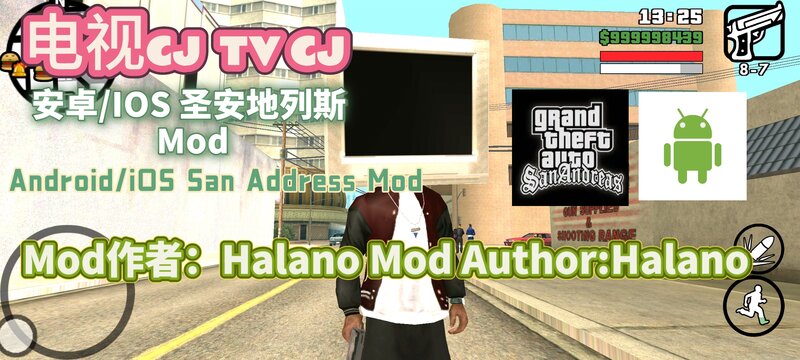
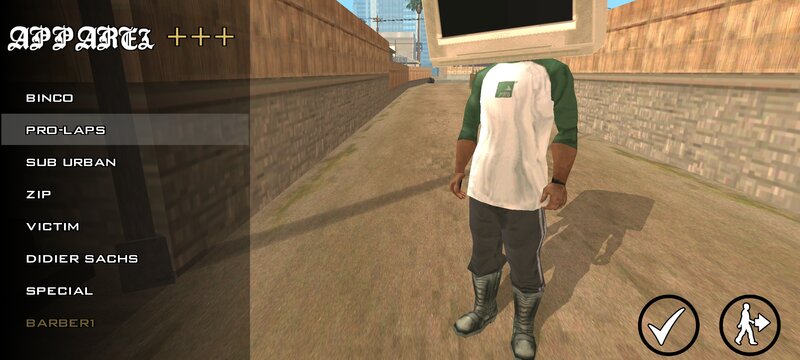
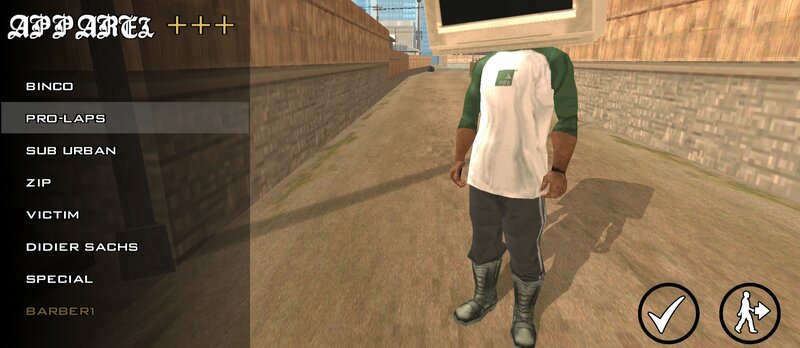
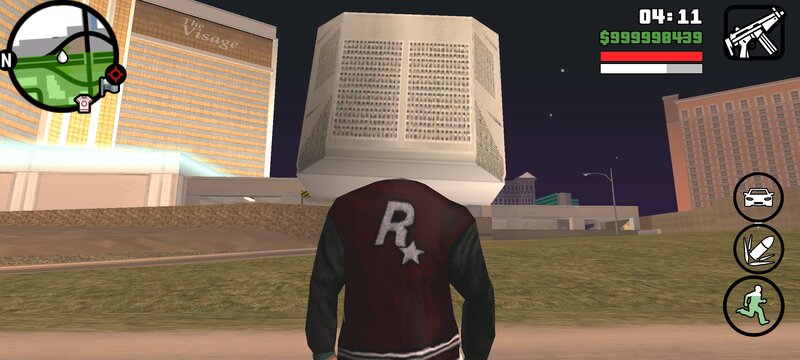
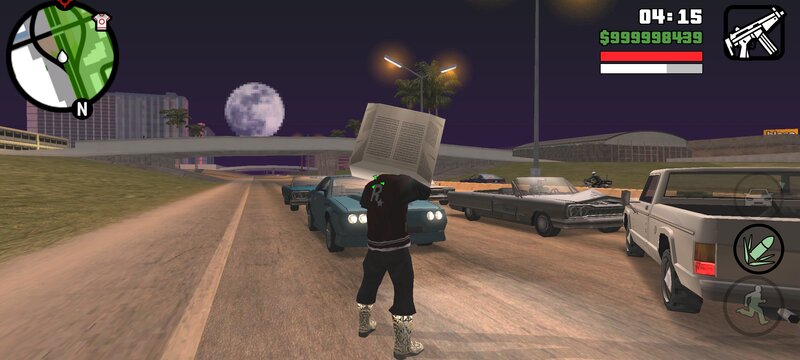
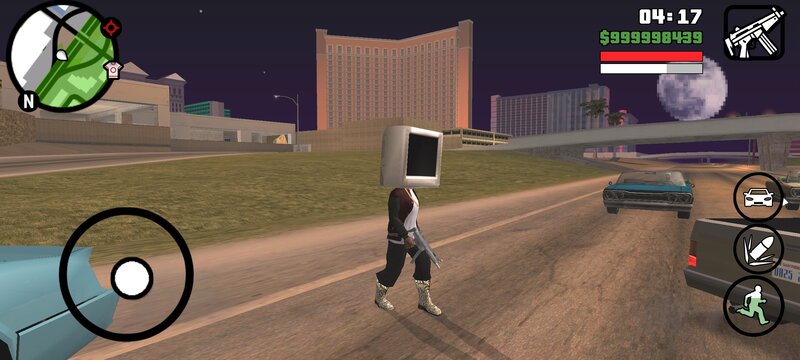
Introduction: There's actually a TV "growing" on CJ's head! (Find the Helmut (the one that looks like the black steel helmet of the German army in World War I) from the Pro-Laps hat.)
The model is 30kb in total. You need to prepare the ES File Explorer, TXD TOOL, and IMG TOOL.
1. Open the ES File Explorer, click on Internal Storage, then click on Android, then click on obb. When you see the folder with the icon of Grand Theft Auto: San Andreas, click into it. Rename the file inside by adding a ".obb" at the end. Then click on the compressed package. Extract the names of player.dff in the texdb folder and the player (folder) (both files). Then unzip the dff.zip and txd.zip in this compressed package file (there are dff and txd files inside).
2. Click on IMG TOOL, open the player.img in the texdb folder, search for bikerhelmet and cs_bikerhelmet, and then delete these. Then find the unzipped TV (bikerhelmet.dff and cs_bikerhelmet) and put them in.
3. Then open TXD TOOL, click on the second txd at the lower right corner in gta3hi.txt, click on bikerhelmet.txd, click on Select (Open), then click on Overwrite and Create Association, and then click on Quick Overwrite. Don't click on Fix Case, and that's it.
Introduction: There's actually a TV "growing" on CJ's head! (Find the Helmut (the one that looks like the black steel helmet of the German army in World War I) from the Pro-Laps hat.)
The model is 30kb in total. You need to prepare the ES File Explorer, TXD TOOL, and IMG TOOL.
1. Open the ES File Explorer, click on Internal Storage, then click on Android, then click on obb. When you see the folder with the icon of Grand Theft Auto: San Andreas, click into it. Rename the file inside by adding a ".obb" at the end. Then click on the compressed package. Extract the names of player.dff in the texdb folder and the player (folder) (both files). Then unzip the dff.zip and txd.zip in this compressed package file (there are dff and txd files inside).
2. Click on IMG TOOL, open the player.img in the texdb folder, search for bikerhelmet and cs_bikerhelmet, and then delete these. Then find the unzipped TV (bikerhelmet.dff and cs_bikerhelmet) and put them in.
3. Then open TXD TOOL, click on the second txd at the lower right corner in gta3hi.txt, click on bikerhelmet.txd, click on Select (Open), then click on Overwrite and Create Association, and then click on Quick Overwrite. Don't click on Fix Case, and that's it.
Komentarze
Liczba dodanych komentarzy: 2.