San Andreas / Android/iOS / Samochody
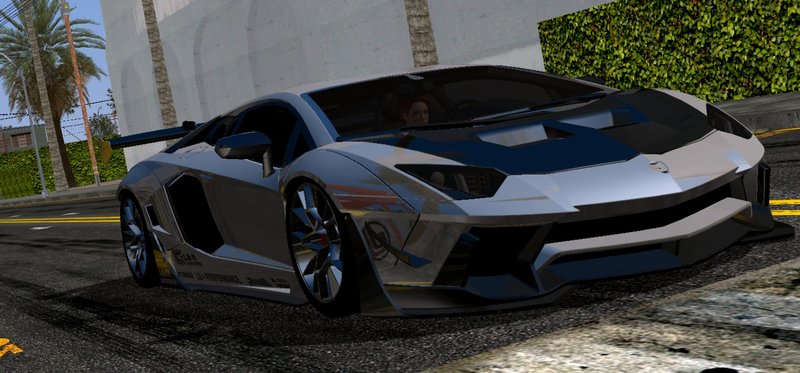
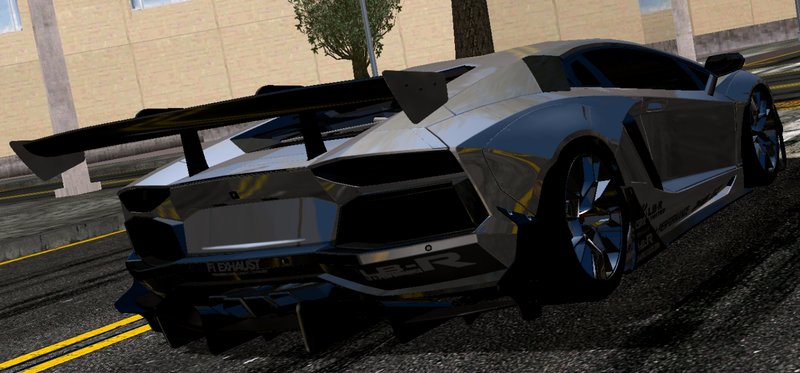
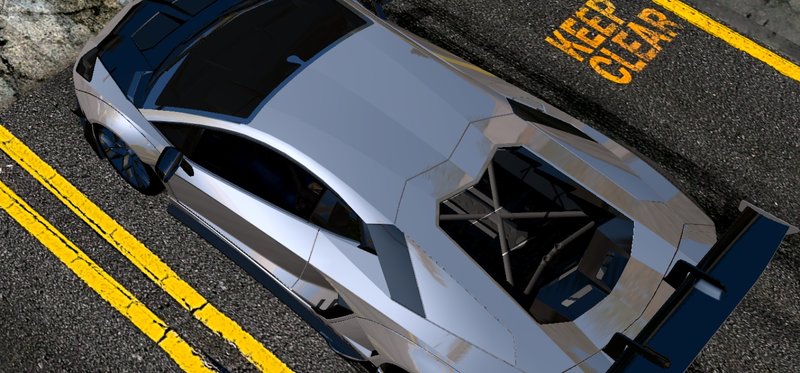
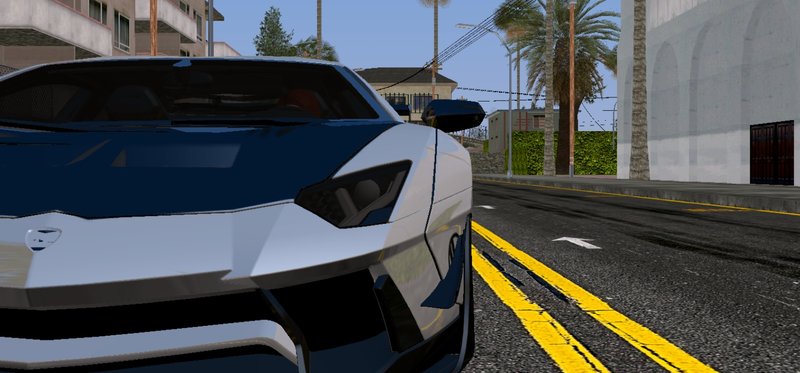
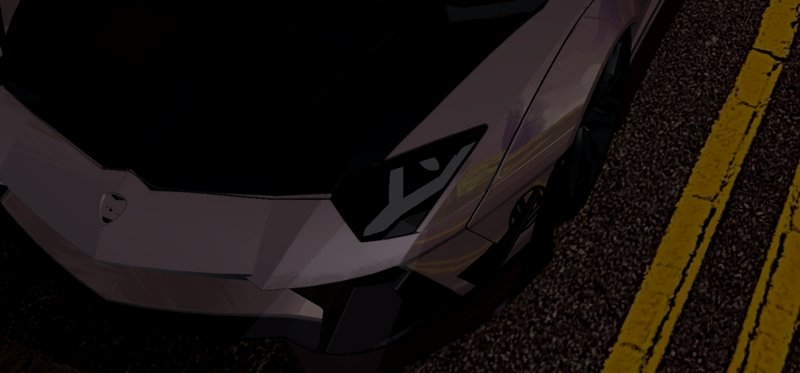
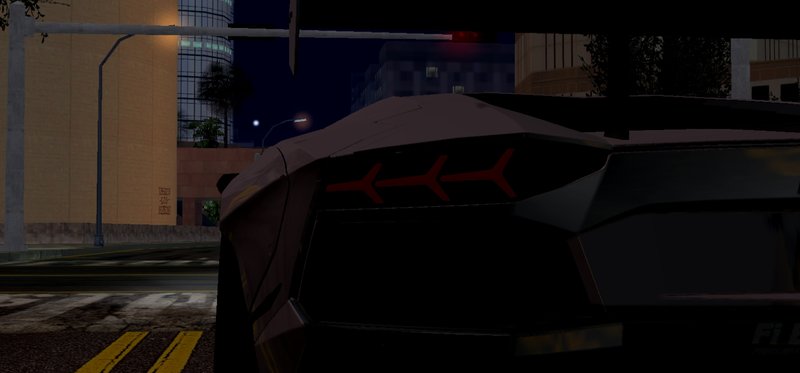
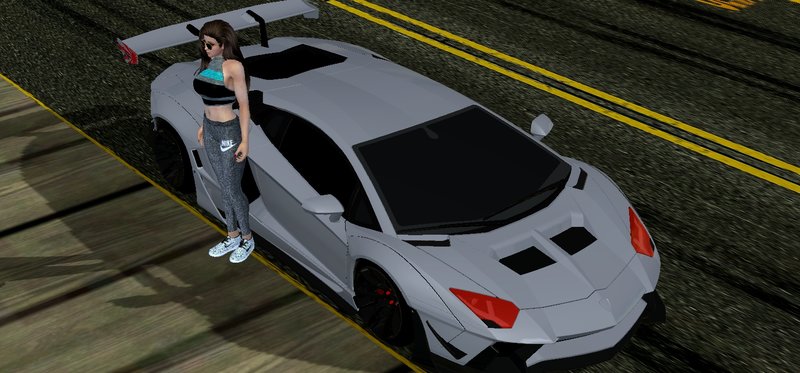
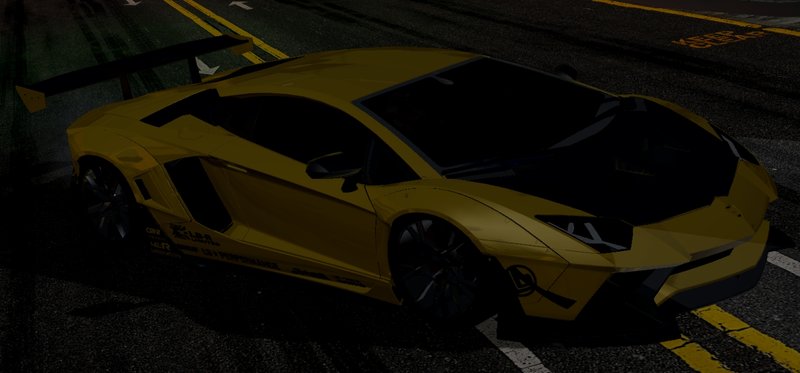
Lamborghini Aventador LP-700-4 Liberty Walk
- O_O, Watanabe Works, Rev_Groma, DownFel23 | dodane przez O_O
- rosemodification.blogspot.com
- 09/28/2020
- 13786 Pobrania
Oceny:
Najpierw się zaloguj.
Ulubione:
Pobierz
4.88Mb
Odsetek antywirusów, które wykryły zagrożenie: 0%
Zobacz raport skanowania antywirusowego
4.88Mb
Odsetek antywirusów, które wykryły zagrożenie: 0%
Zobacz raport skanowania antywirusowego
Videos
Nie dodano jeszcze filmów.Zaloguj się, żeby dodać film do tego moda.
Opis
Man.. Hardwork just for making it compatible
Author: Watanabe Works
Mobile:
Rev_Groma: Rims Changing & Rims Idea
DownFel23: Testing, Report bugs
O_O (me): Reflection, Retexture, Converter
Car Features:
- HQ Poly
- 3D Engine
- Detailed Interior
- Paintable
- Template for remap
- SA Lights
- Different Headlight Texture (you can choose between Red, Dark, & Normal Headlight)
Big thx:
Watanabe Works
Rev_Groma
DownFel23
Myself
Author: Watanabe Works
Mobile:
Rev_Groma: Rims Changing & Rims Idea
DownFel23: Testing, Report bugs
O_O (me): Reflection, Retexture, Converter
Car Features:
- HQ Poly
- 3D Engine
- Detailed Interior
- Paintable
- Template for remap
- SA Lights
- Different Headlight Texture (you can choose between Red, Dark, & Normal Headlight)
Big thx:
Watanabe Works
Rev_Groma
DownFel23
Myself
Komentarze
Liczba dodanych komentarzy: 12.


09/30/2020 09:40
@Savio007_1
1. Make sure you have GTA IMG Tool & TXD Tool
2. Go to IMG Tool
3. Search for gta3.img (Android/data/com.rockstargames.gtasa/files/texdb/gta3.img)
4. Replace the model (dff format) to gta3.img (after you found the model, go to your folder that has the mod that you download
5. Click 3 dots in the up right, then click rebuild
6. Go to TXD Tools
7. Click Folder icon
8. search the txd.txt (Android/data/com.rockstargames.gtasa/files/texdb/txd/txd.txt)
9. checklist the txd.txt, click select
10. click "+" button
11. click from image, and you can see the different choice like with alpha and without alpha. i give the name on the folder so you will not confused which category you need to choose.
12. after you do that, go to your download files, search for the folder that have the texture.
13. select CPU icon in the top right before ✓
14. after that, you need to choose:
- create sibilings
- ✓ Correct capital letters in name
- × Enable Camnorm
- × Check texture raster hash
- DFF Model name: jester
15. click ok and wait for a while
16. done. go to your game and hopefully you will be able to spawn the car
Cytuj | Odpowiedz | (0)
@Savio007_1
1. Make sure you have GTA IMG Tool & TXD Tool
2. Go to IMG Tool
3. Search for gta3.img (Android/data/com.rockstargames.gtasa/files/texdb/gta3.img)
4. Replace the model (dff format) to gta3.img (after you found the model, go to your folder that has the mod that you download
5. Click 3 dots in the up right, then click rebuild
6. Go to TXD Tools
7. Click Folder icon
8. search the txd.txt (Android/data/com.rockstargames.gtasa/files/texdb/txd/txd.txt)
9. checklist the txd.txt, click select
10. click "+" button
11. click from image, and you can see the different choice like with alpha and without alpha. i give the name on the folder so you will not confused which category you need to choose.
12. after you do that, go to your download files, search for the folder that have the texture.
13. select CPU icon in the top right before ✓
14. after that, you need to choose:
- create sibilings
- ✓ Correct capital letters in name
- × Enable Camnorm
- × Check texture raster hash
- DFF Model name: jester
15. click ok and wait for a while
16. done. go to your game and hopefully you will be able to spawn the car
Cytuj | Odpowiedz | (0)