San Andreas Definitive Edition / Mody / Grafika / ENB
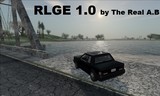
Beautiful Atmosphere for Los Santos
- The Real A.B | dodane przez The Real A.B
- 11/28/2021
- 22619 Pobrania
Oceny:
Najpierw się zaloguj.
Ulubione:
Pobierz
42.51Mb
42.51Mb
Filmy

Zaloguj się, żeby dodać film do tego moda.
Opis
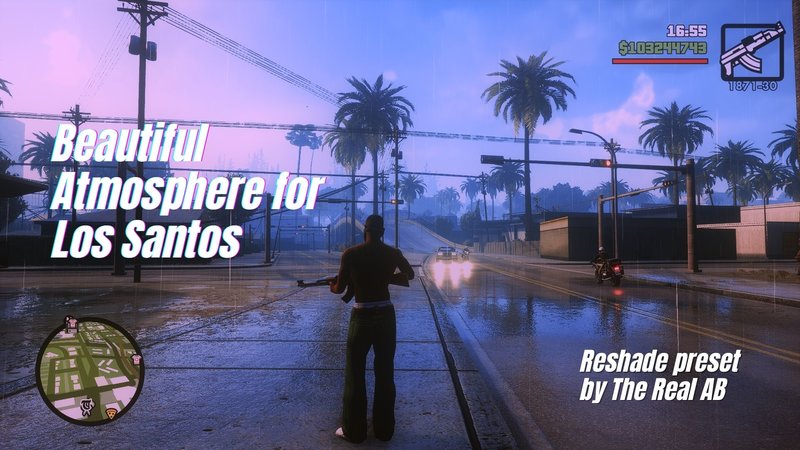
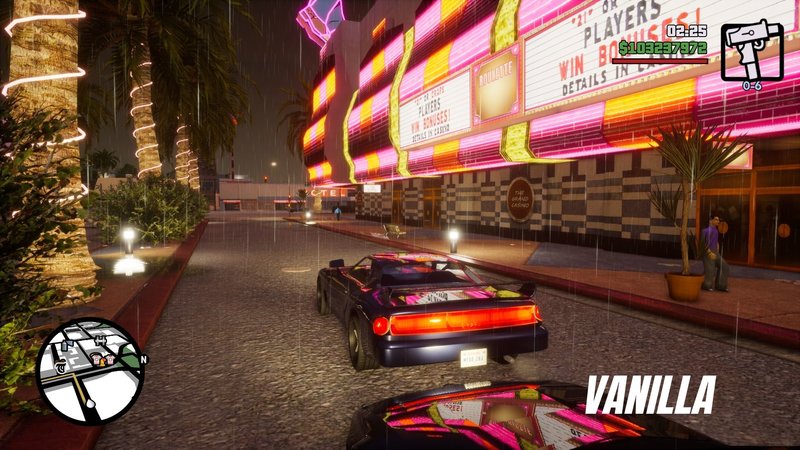
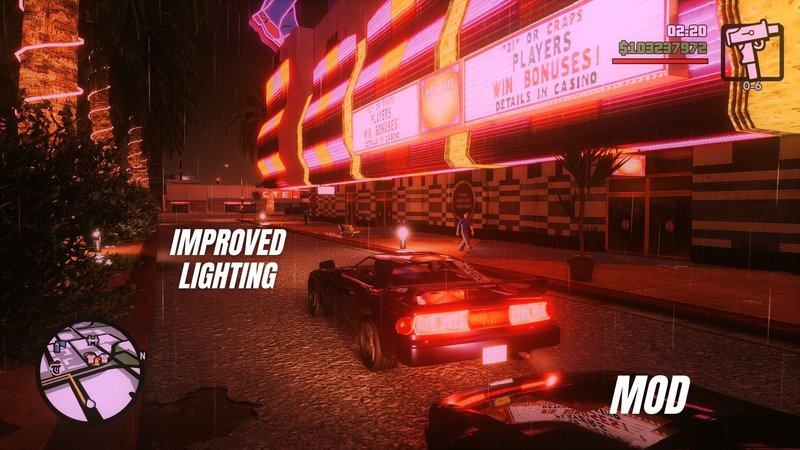
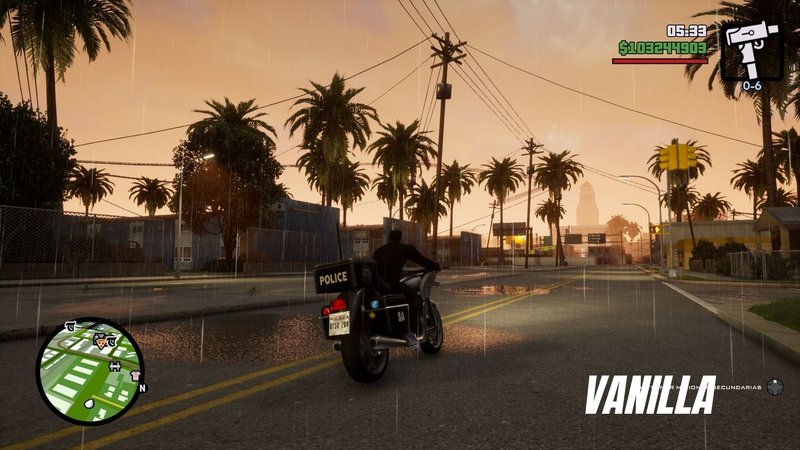
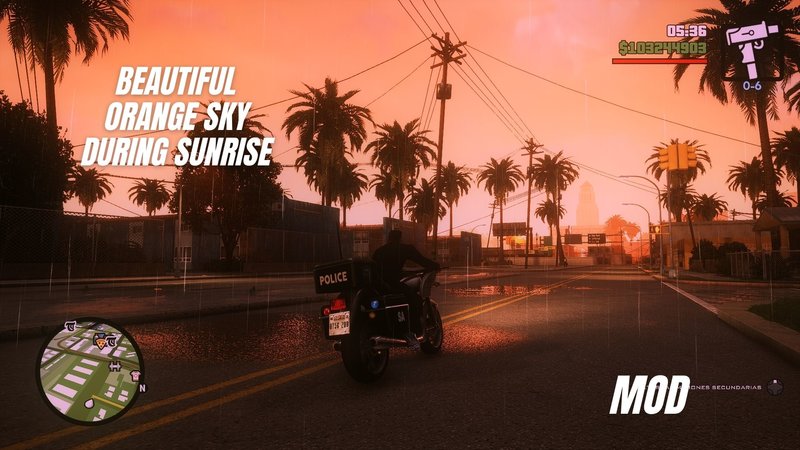
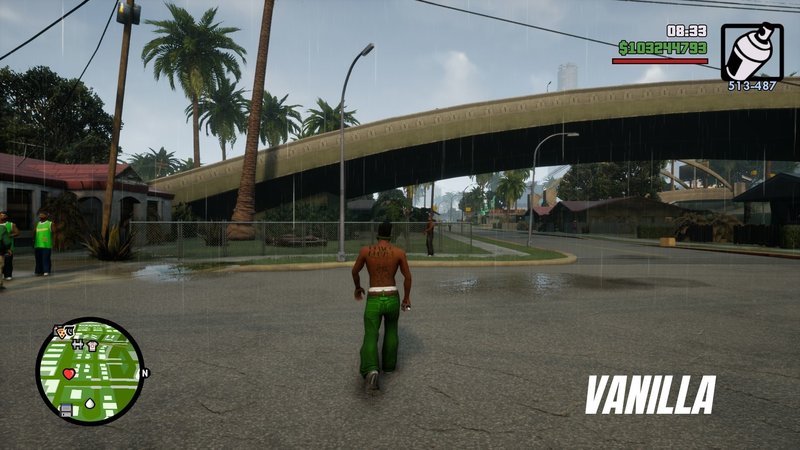
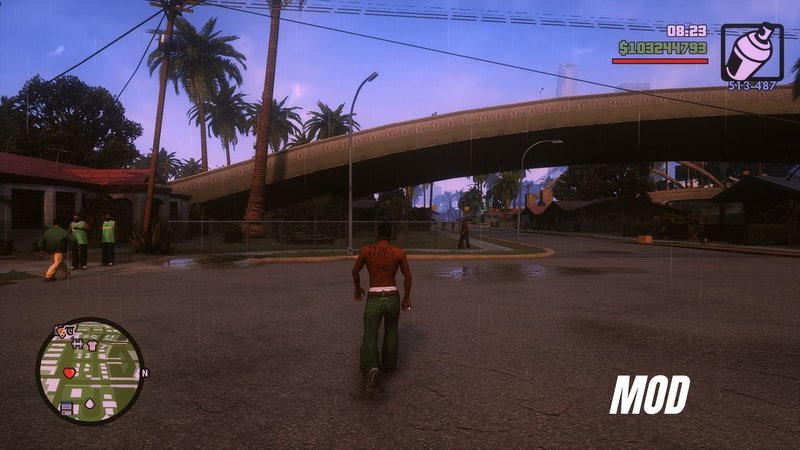
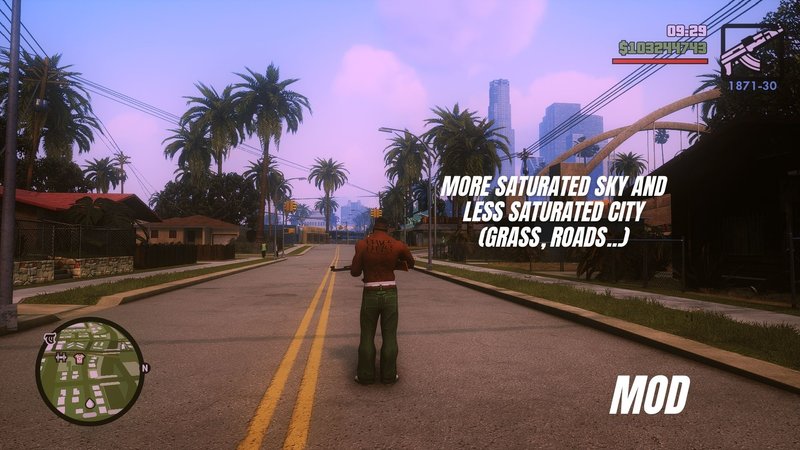
Hello everyone, i hope u like my reshade preset for GTA San Andreas.
To install just make sure u have installed Reshade, u can find it in reshade.me, then drag all the files in to the game's folder, thats it.
*GTA San Andreas - Definitive Edition\Gameface\Binaries\Win64 <--- here
With this simple mod u will experience truly realistic and beautiful improved graphics.
I recommend to install
- Fog mod
- Better LOD mod
- Rain fix mod
To install just make sure u have installed Reshade, u can find it in reshade.me, then drag all the files in to the game's folder, thats it.
*GTA San Andreas - Definitive Edition\Gameface\Binaries\Win64 <--- here
With this simple mod u will experience truly realistic and beautiful improved graphics.
I recommend to install
- Fog mod
- Better LOD mod
- Rain fix mod
Komentarze
Liczba dodanych komentarzy: 5.




11/29/2021 10:22
@paulbullias hi,
when u start the game the reshade menu should pop up automatically, then go to the settings tab and change the "overlay key" to whatever key u like to open the reshade menu, it should be the first option in the settings tab.
you can set this keybind by changing it in the Reshade.ini too in case your overlay doesn't pop up automatically.
[INPUT]
KeyOverlay=36,0,0,0 <---- this is the code of the "HOME" key
Cytuj | Odpowiedz | (0)
@paulbullias hi,
when u start the game the reshade menu should pop up automatically, then go to the settings tab and change the "overlay key" to whatever key u like to open the reshade menu, it should be the first option in the settings tab.
you can set this keybind by changing it in the Reshade.ini too in case your overlay doesn't pop up automatically.
[INPUT]
KeyOverlay=36,0,0,0 <---- this is the code of the "HOME" key
Cytuj | Odpowiedz | (0)