GTA V / Samochody / Pakiety samochodów
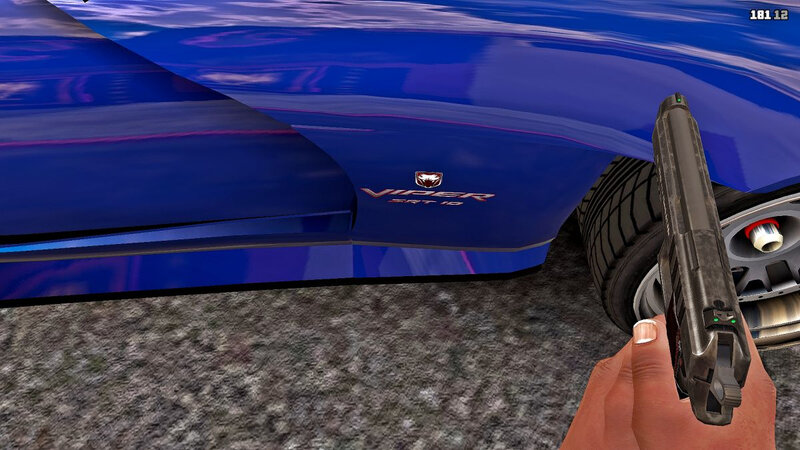
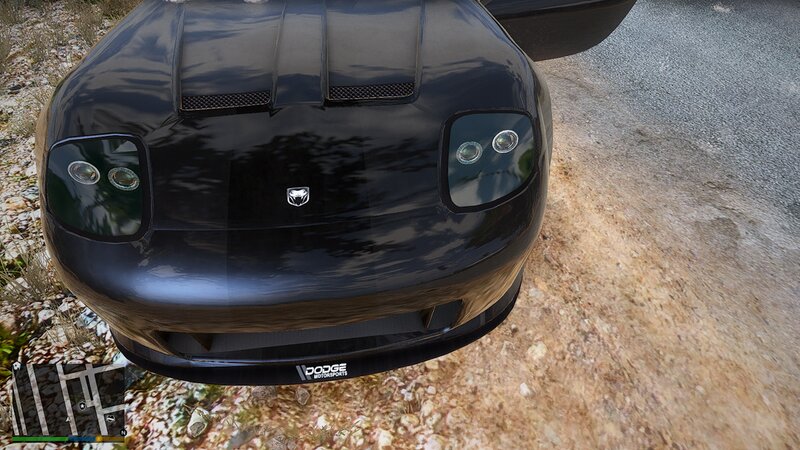
Banshee To Dodge Viper Plus Blista To Honda Civic
- mikesta | dodane przez mikesta
- 01/01/2025
- 1558 Pobrania
Oceny:
Najpierw się zaloguj.
Ulubione:
Pobierz
11.09Mb
Odsetek antywirusów, które wykryły zagrożenie: 0%
Zobacz raport skanowania antywirusowego
11.09Mb
Odsetek antywirusów, które wykryły zagrożenie: 0%
Zobacz raport skanowania antywirusowego
Filmy
Nie dodano jeszcze filmów.Zaloguj się, żeby dodać film do tego moda.
Opis
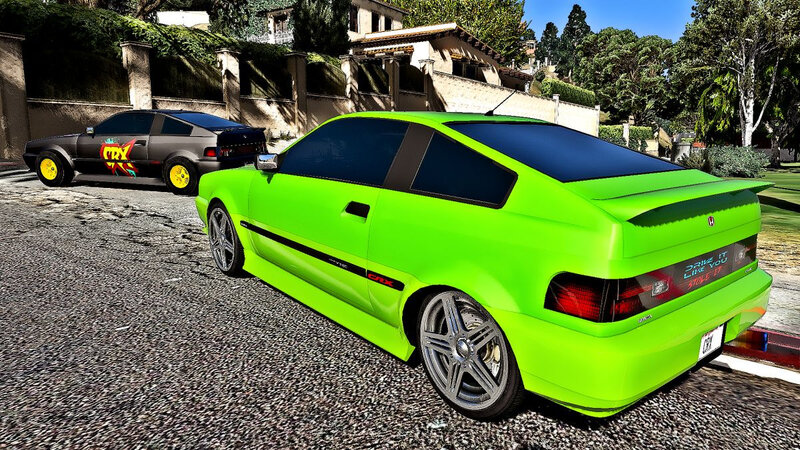
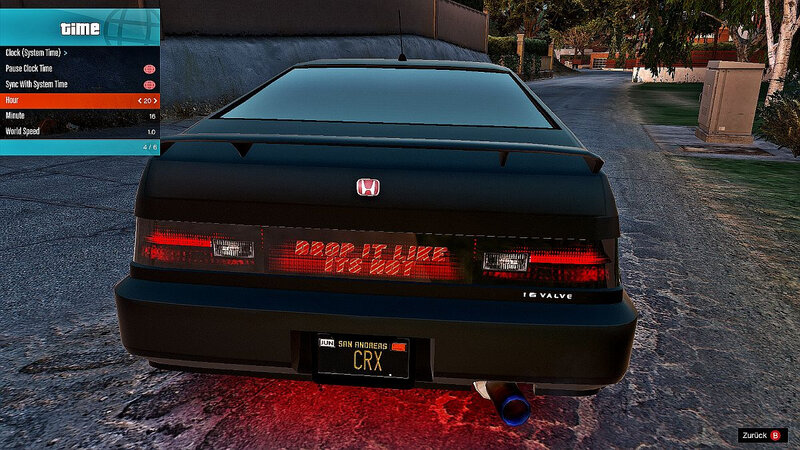
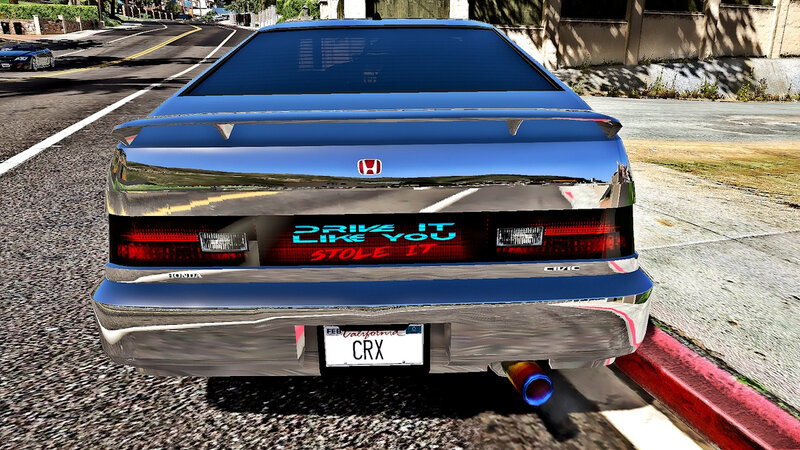
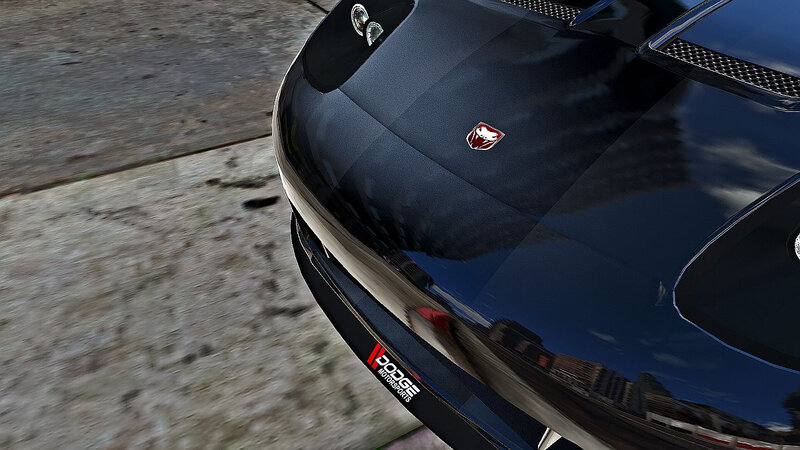
Hi guys, I´ve got two blista to honda civic files + two banshee to dodge viper files for you.
Installation:
1. Open OpenIV and enable edit mode.
2. Go to the Grand Theft Auto V folder and search for your vehicles.rpf file, where the files are inside and replace them.
My files are/were in the following folders:
blista2.ytd C:\Games\Grand Theft Auto V\mods\update\x64\dlcpacks\patchday1ng\dlc.rpf\x64\txd_patches.rpf\
blista3.ytd C:\Games\Grand Theft Auto V\update\x64\dlcpacks\patchday2ng\dlc.rpf\x64\levels\gta5\vehicles.rpf\blista3.ytd
banshee.ytd C:\Games\Grand Theft Auto V\mods\update\x64\dlcpacks\patchday1ng\dlc.rpf\x64\levels\gta5\vehicles.rpf\banshee.ytd
banshee2.ytd C:\Games\Grand Theft Auto V\update\x64\dlcpacks\mpjanuary2016\dlc.rpf\x64\levels\gta5\vehicles\mpjanuary2016vehicles.rpf\banshee2.ytd
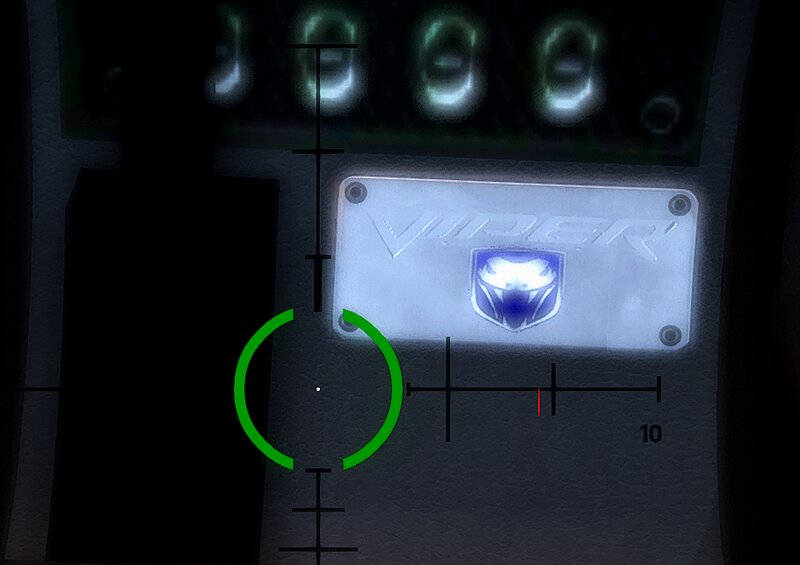
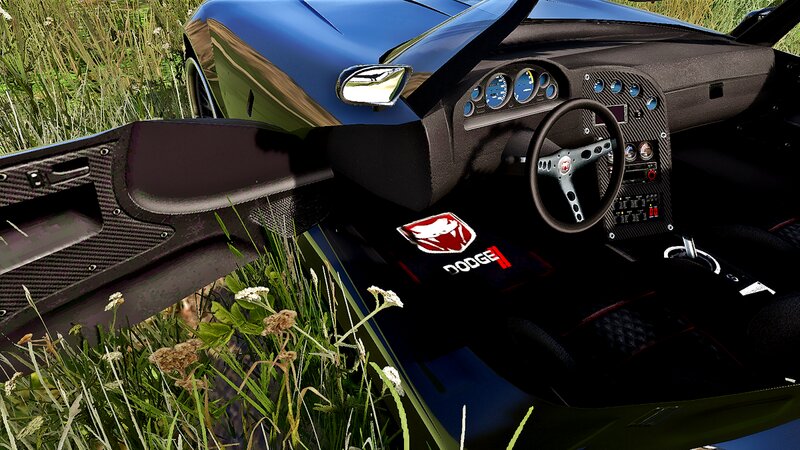
UPDATE: if you want to change the interior for the Dodge Viper, too, search for vehicles_banshee_interior ando vehicles_banshee_w_interior and replace both files.
vehicles_banshee_interior is for the normal Viper (banshee)
and vehicles_banshee_w_interior is for the update (banshee2).
My files are/were in the following folders:
C:\Games\Grand Theft Auto V\mods\x64e.rpf\levels\gta5\vehicles.rpf\vehicles_banshee_interior.ytd
C:\Games\Grand Theft Auto V\update\x64\dlcpacks\mpjanuary2016\dlc.rpf\x64\levels\gta5\vehicles\mpjanuary2016vehicles.rpf\vehicles_banshee_w_interior.ytd
3. Enjoy it.
It´s recommended to backup your files before doing any changes.
All the best, Michael : o )
Installation:
1. Open OpenIV and enable edit mode.
2. Go to the Grand Theft Auto V folder and search for your vehicles.rpf file, where the files are inside and replace them.
My files are/were in the following folders:
blista2.ytd C:\Games\Grand Theft Auto V\mods\update\x64\dlcpacks\patchday1ng\dlc.rpf\x64\txd_patches.rpf\
blista3.ytd C:\Games\Grand Theft Auto V\update\x64\dlcpacks\patchday2ng\dlc.rpf\x64\levels\gta5\vehicles.rpf\blista3.ytd
banshee.ytd C:\Games\Grand Theft Auto V\mods\update\x64\dlcpacks\patchday1ng\dlc.rpf\x64\levels\gta5\vehicles.rpf\banshee.ytd
banshee2.ytd C:\Games\Grand Theft Auto V\update\x64\dlcpacks\mpjanuary2016\dlc.rpf\x64\levels\gta5\vehicles\mpjanuary2016vehicles.rpf\banshee2.ytd
UPDATE: if you want to change the interior for the Dodge Viper, too, search for vehicles_banshee_interior ando vehicles_banshee_w_interior and replace both files.
vehicles_banshee_interior is for the normal Viper (banshee)
and vehicles_banshee_w_interior is for the update (banshee2).
My files are/were in the following folders:
C:\Games\Grand Theft Auto V\mods\x64e.rpf\levels\gta5\vehicles.rpf\vehicles_banshee_interior.ytd
C:\Games\Grand Theft Auto V\update\x64\dlcpacks\mpjanuary2016\dlc.rpf\x64\levels\gta5\vehicles\mpjanuary2016vehicles.rpf\vehicles_banshee_w_interior.ytd
3. Enjoy it.
It´s recommended to backup your files before doing any changes.
All the best, Michael : o )
Komentarze
Liczba dodanych komentarzy: 1.