GTA IV / Broń / Inna broń
Airtronic RPG-7
- N4SPEED GTA | dodane przez N4SPEED GTA
- 04/18/2026
- 756 Pobrania
Oceny:
Najpierw się zaloguj.
Ulubione:
Pobierz
7.05Mb
Odsetek antywirusów, które wykryły zagrożenie: 0%
Zobacz raport skanowania antywirusowego
7.05Mb
Odsetek antywirusów, które wykryły zagrożenie: 0%
Zobacz raport skanowania antywirusowego
Videos
Nie dodano jeszcze filmów.Zaloguj się, żeby dodać film do tego moda.
Opis
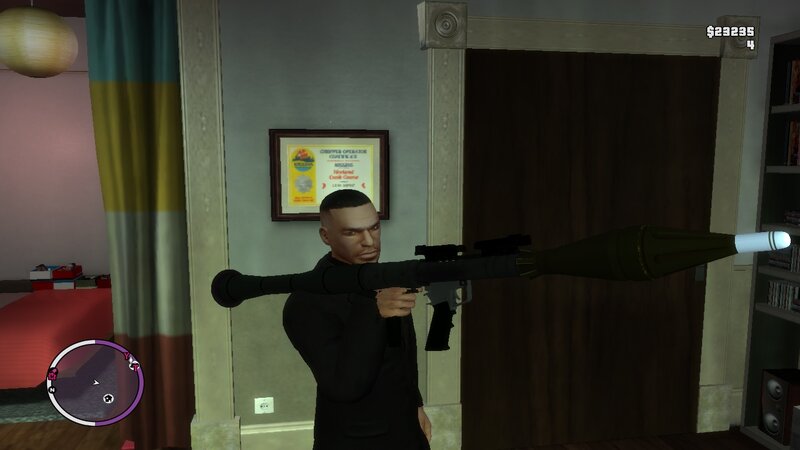
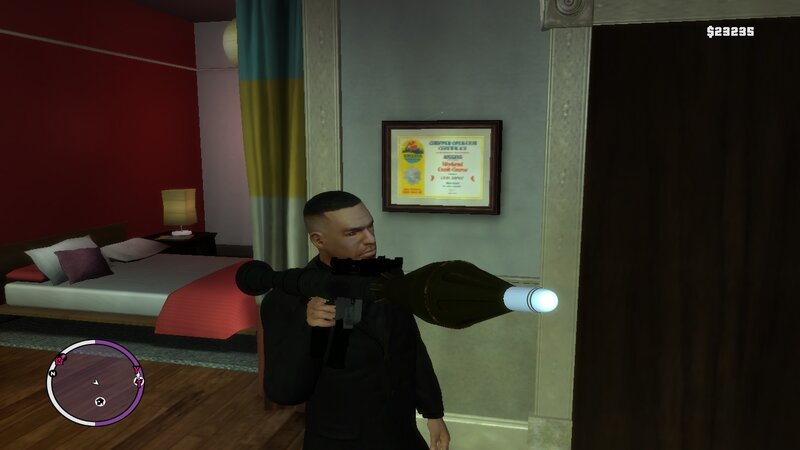
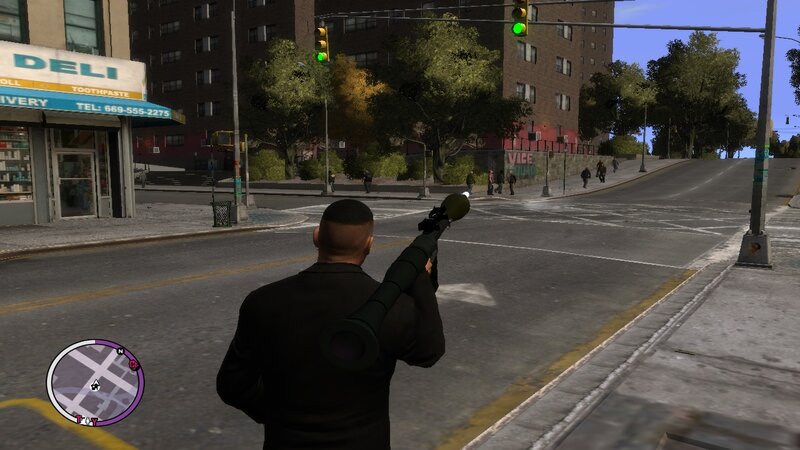
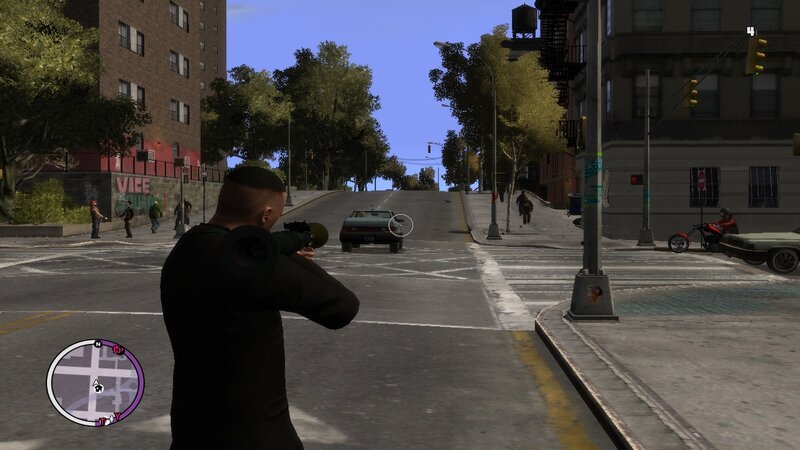
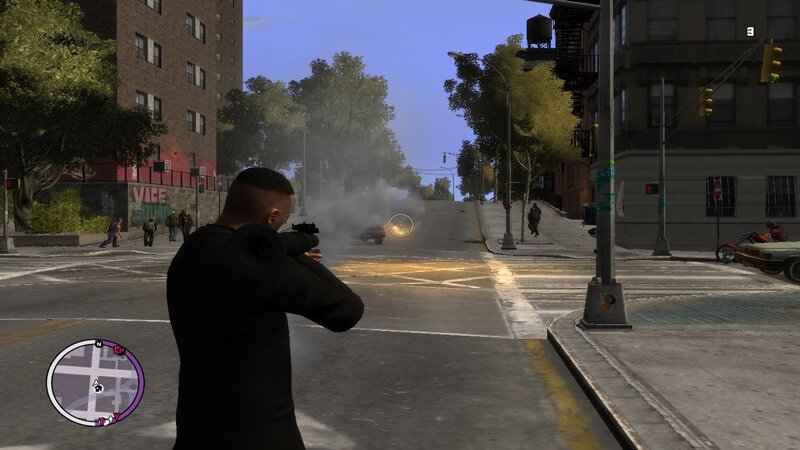
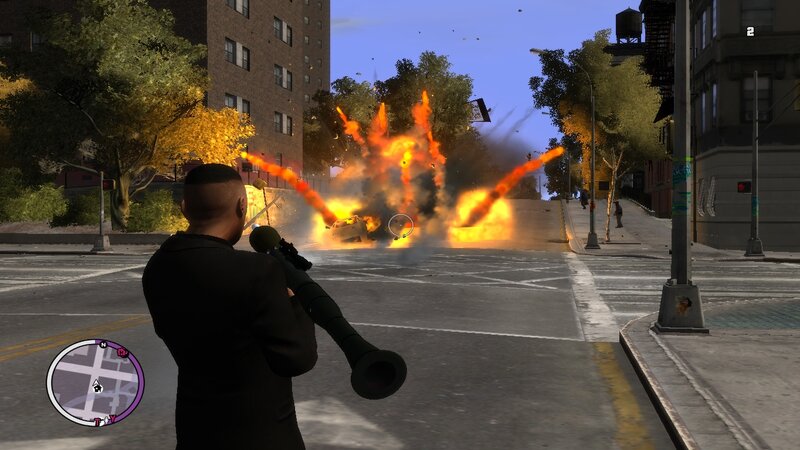
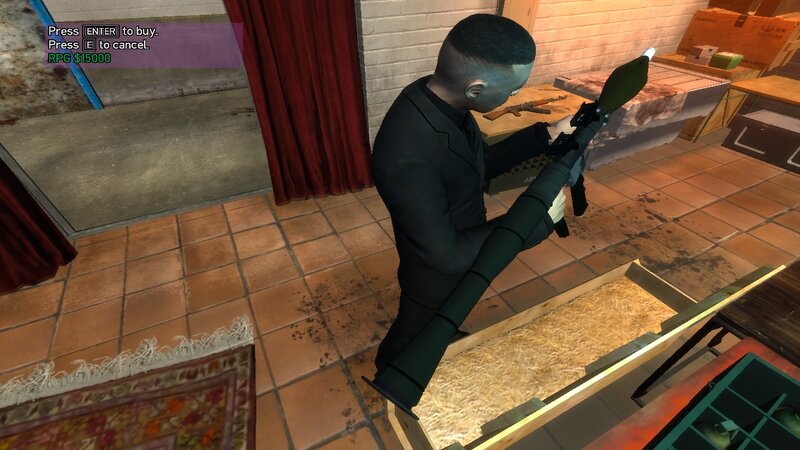
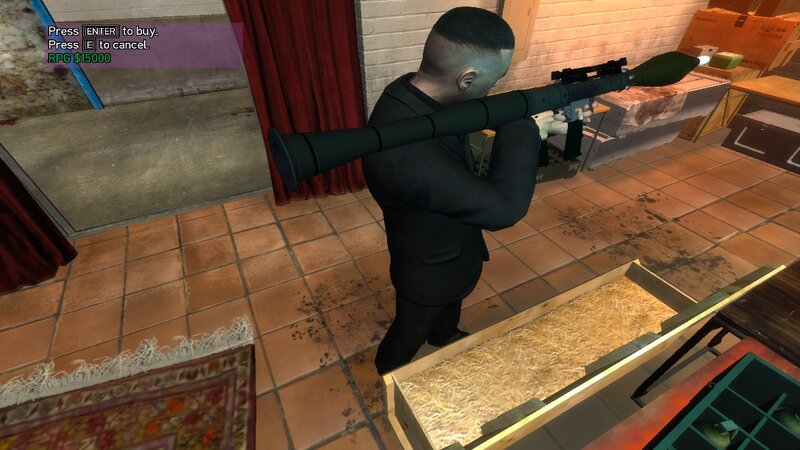
Airtronic RPG-7 from Resident Evil Requiem for GTA IV and EFLC.
Features:
-High quality textures and models.
-Increased damage, accuracy and clip capacity.
-No issuses during the story missions of GTA IV or EFLC.
INSTALLATION INSTRUCTIONS:
-First make a backup copy of your game files before starting the installation.
-With Open IV locate the game's installation folder and move to "pc/models/cdimages/(weapons.img)".
-Enable Edit mode under the File submenu,Then open "weapons.img" to replace "cj_rpg_rockete.wdr, cj_rpg_rocket.wtd and rpg.wdr, rpg.wtd".
-After that copy the new files "WeaponInfo.xml, ExplosionFx.dat" and move to "common/data/(Paste and replace the original files).
-Launch the game and enjoy your new weapon!
Features:
-High quality textures and models.
-Increased damage, accuracy and clip capacity.
-No issuses during the story missions of GTA IV or EFLC.
INSTALLATION INSTRUCTIONS:
-First make a backup copy of your game files before starting the installation.
-With Open IV locate the game's installation folder and move to "pc/models/cdimages/(weapons.img)".
-Enable Edit mode under the File submenu,Then open "weapons.img" to replace "cj_rpg_rockete.wdr, cj_rpg_rocket.wtd and rpg.wdr, rpg.wtd".
-After that copy the new files "WeaponInfo.xml, ExplosionFx.dat" and move to "common/data/(Paste and replace the original files).
-Launch the game and enjoy your new weapon!
Komentarze
Liczba dodanych komentarzy: 0.