GTA IV / Broń / Inna broń
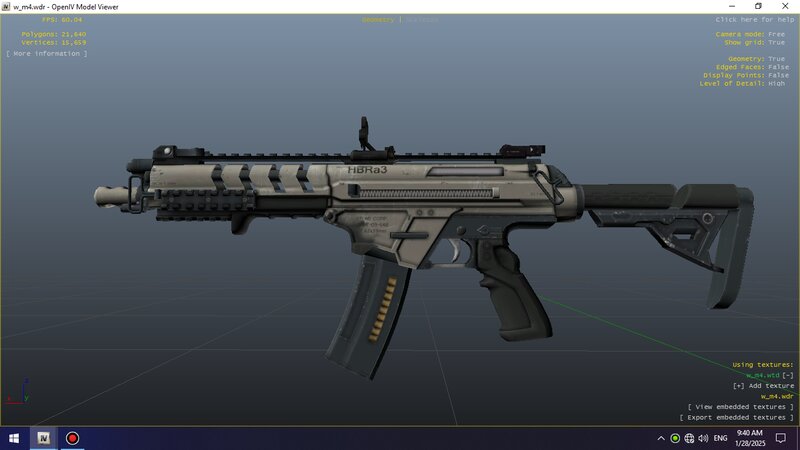
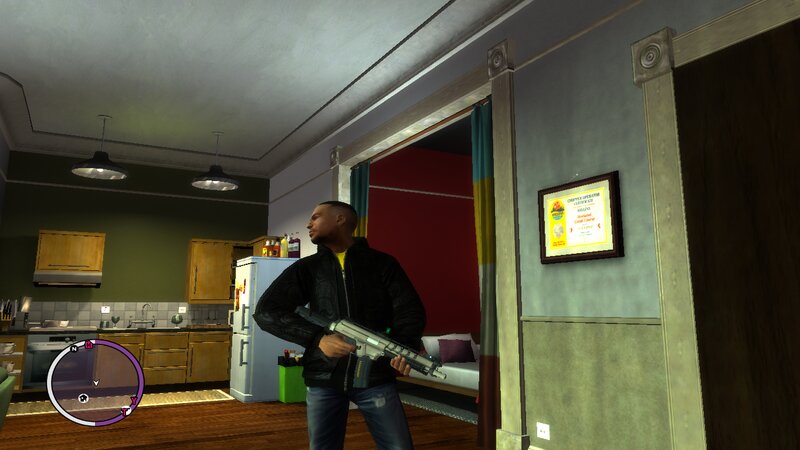
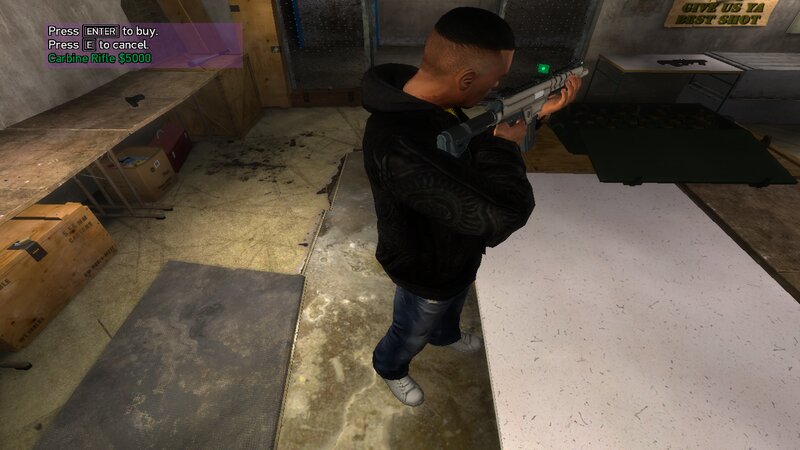
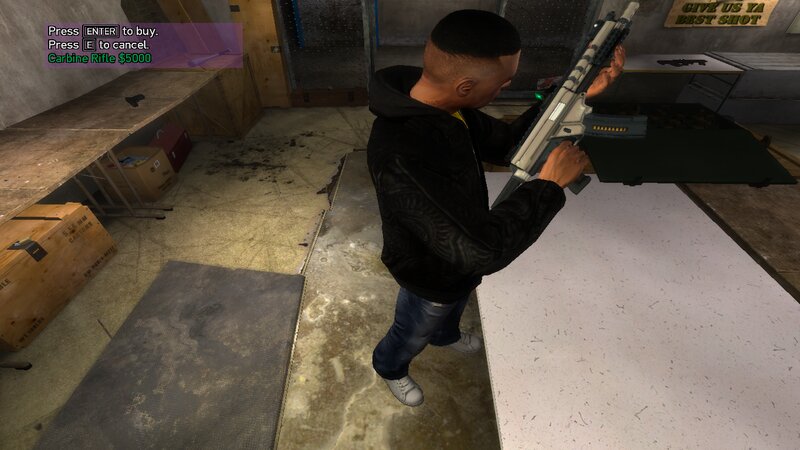
HBRa3 From call of duty Advanced warfare for GTA IV and EFLC
- N4SPEED GTA | dodane przez N4SPEED GTA
- 02/15/2025
- 3647 Pobrania
Oceny:
Najpierw się zaloguj.
Ulubione:
Pobierz
5.80Mb
Odsetek antywirusów, które wykryły zagrożenie: 0%
Zobacz raport skanowania antywirusowego
5.80Mb
Odsetek antywirusów, które wykryły zagrożenie: 0%
Zobacz raport skanowania antywirusowego
Filmy
Nie dodano jeszcze filmów.Zaloguj się, żeby dodać film do tego moda.
Opis
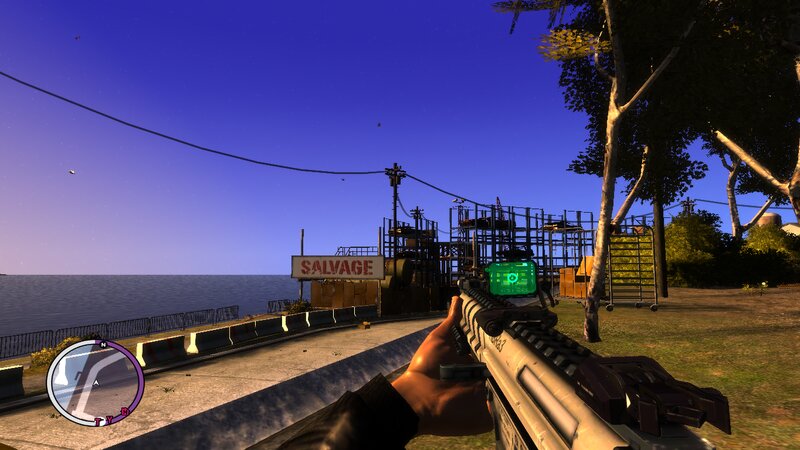
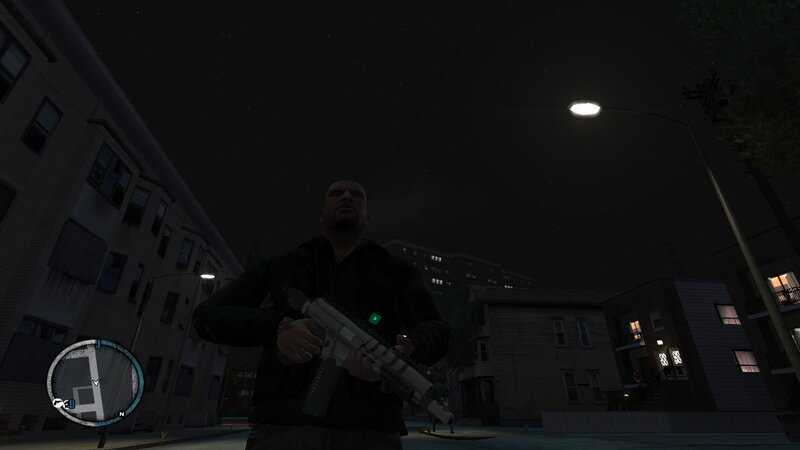
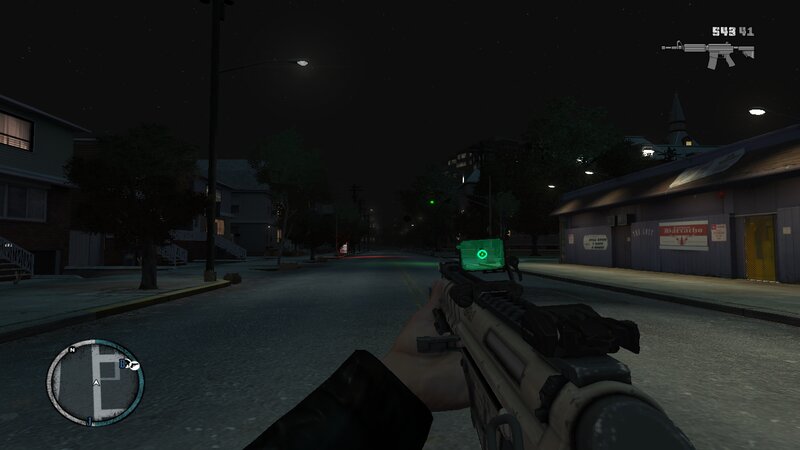
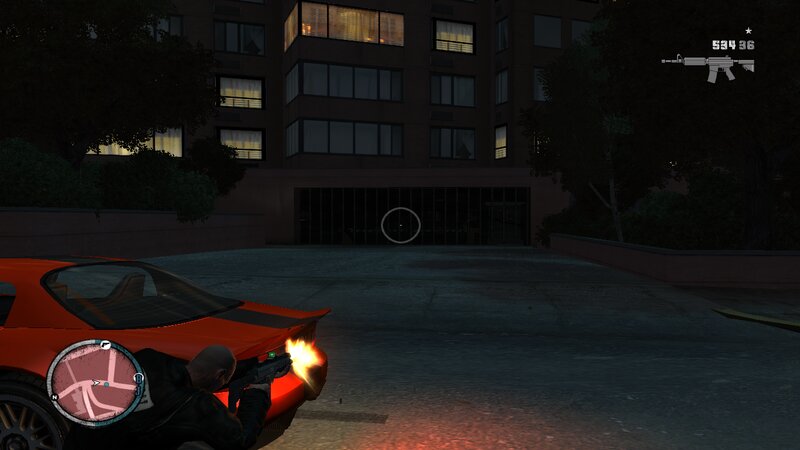
HBRa3 from call of duty Advanced warfare for GTA IV and EFLC
This modification adds to GTA:IV and Episodes from Liberty City unique weapon from the game call of duty Advanced warfare.
The weapon has improved characteristics and fits perfectly into the gameplay.
#Features:
-High quality textures and models.
-Increased damage, accuracy and clip capacity.
-No issuses during the story missions of GTA IV or EFLC.
# INSTALLATION:
-First make a backup copy of your game files before starting the installation.
1-With Open IV locate the game's installation folder and move to "pc/models/cdimages/(weapons.img)".
2-Enable Edit mode under the File submenu,Then open "weapons.img" to replace "w_m4.wdr and w_m4.wtd".
3-After that copy the new file "WeaponInfo.xml" and move to "common/data/(Paste and replace the original file).
4-Launch the game and enjoy your new weapons!
#Note:
Follow all steps carefully to avoid mistakes.
Have a Nice Day!!
This modification adds to GTA:IV and Episodes from Liberty City unique weapon from the game call of duty Advanced warfare.
The weapon has improved characteristics and fits perfectly into the gameplay.
#Features:
-High quality textures and models.
-Increased damage, accuracy and clip capacity.
-No issuses during the story missions of GTA IV or EFLC.
# INSTALLATION:
-First make a backup copy of your game files before starting the installation.
1-With Open IV locate the game's installation folder and move to "pc/models/cdimages/(weapons.img)".
2-Enable Edit mode under the File submenu,Then open "weapons.img" to replace "w_m4.wdr and w_m4.wtd".
3-After that copy the new file "WeaponInfo.xml" and move to "common/data/(Paste and replace the original file).
4-Launch the game and enjoy your new weapons!
#Note:
Follow all steps carefully to avoid mistakes.
Have a Nice Day!!
Komentarze
Liczba dodanych komentarzy: 1.
