GTA IV / Mody / Ekrany ładowania
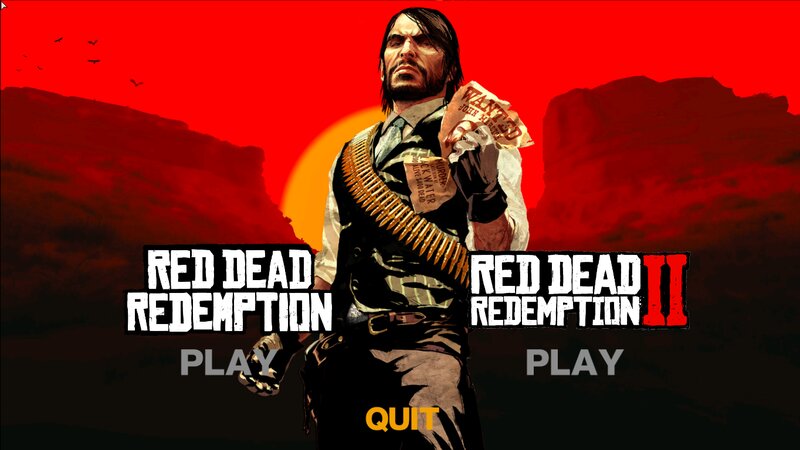
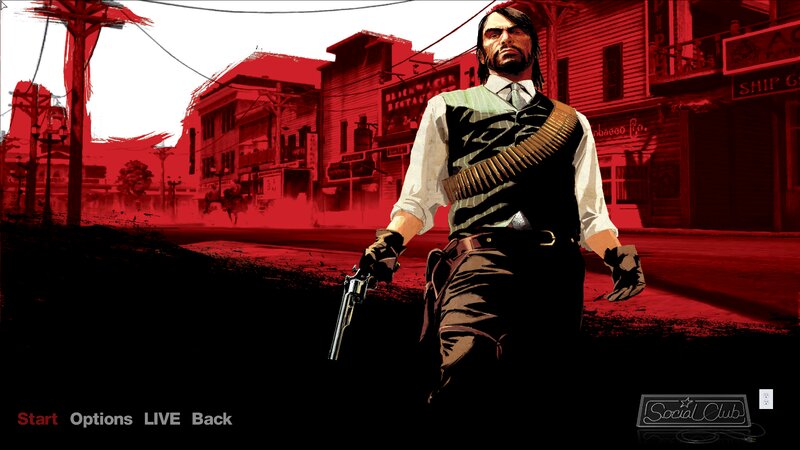
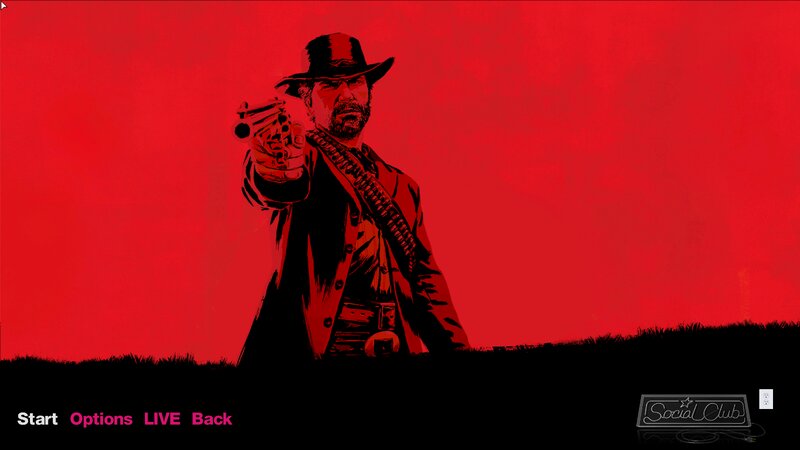
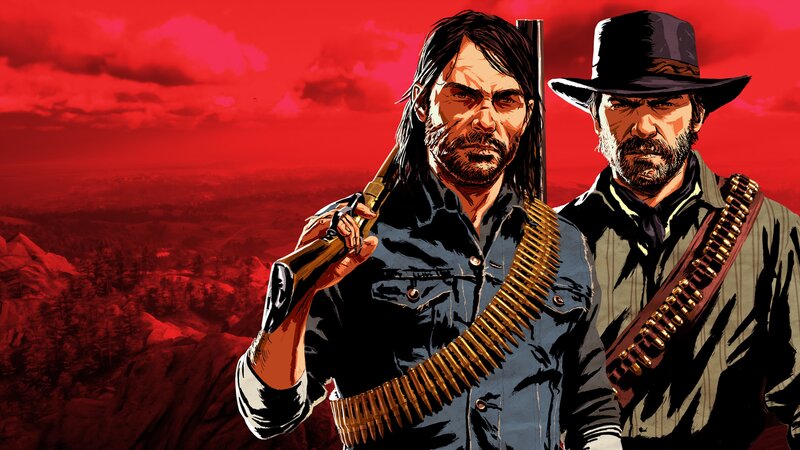
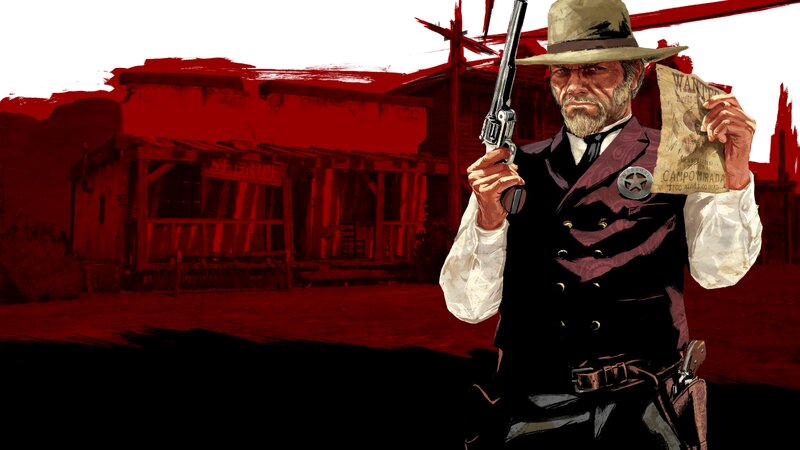
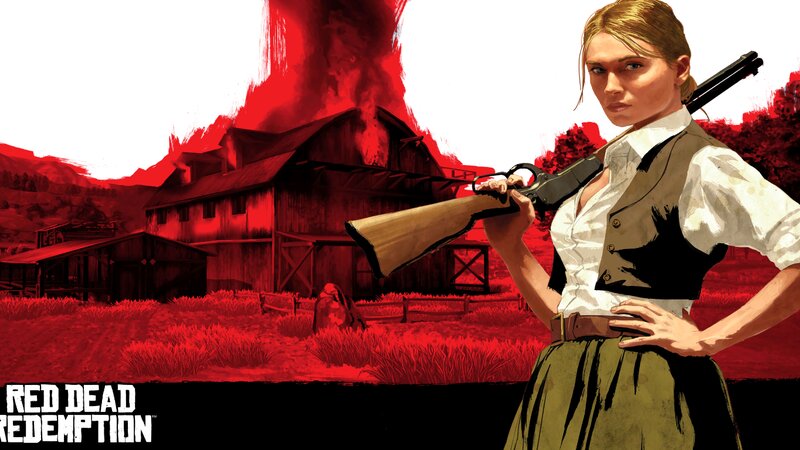
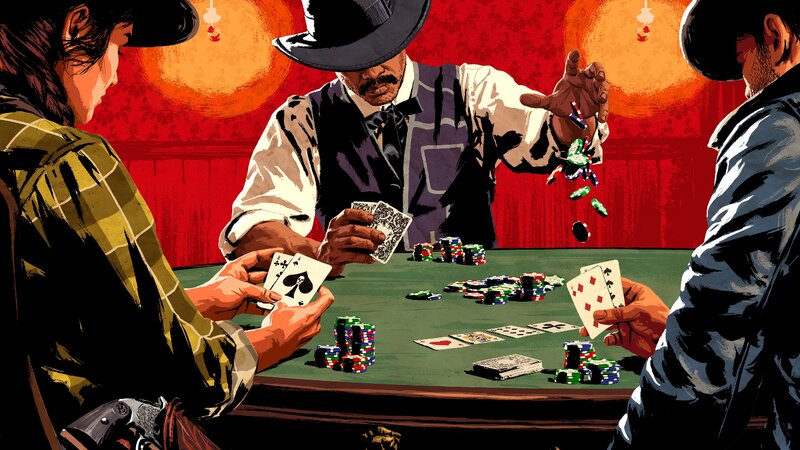
Menus and Loading Screens in the style of Red Dead Redemption
- N4SPEED GTA | dodane przez N4SPEED GTA
- 12/28/2024
- 2494 Pobrania
Oceny:
Najpierw się zaloguj.
Ulubione:
Pobierz
58.03Mb
Odsetek antywirusów, które wykryły zagrożenie: 0%
Zobacz raport skanowania antywirusowego
58.03Mb
Odsetek antywirusów, które wykryły zagrożenie: 0%
Zobacz raport skanowania antywirusowego

Filmy
Nie dodano jeszcze filmów.Zaloguj się, żeby dodać film do tego moda.
Opis
Menus and Loading screens in the style of Red Dead Redemption
This modification replaces the old loading screen in GTA EFLC with a new one, made using art from Red Dead Redemption. The new splash screen will give the game a fresh and visually appealing look, enhancing the atmosphere when loading into the world of Liberty City.
Installation:
1-Back up your ! files first! so that in case of problems they can be restored.
2-Extract the filesfrom the archive.
3-Move the extracted filesto the "GTA Episodes from Liberty City" folder, replacing all existing files and folders in the game.
After installation, you will receive a new loading screensaver with amazing art from Red Dead Redemption, which will give your game a unique style.
This modification replaces the old loading screen in GTA EFLC with a new one, made using art from Red Dead Redemption. The new splash screen will give the game a fresh and visually appealing look, enhancing the atmosphere when loading into the world of Liberty City.
Installation:
1-Back up your ! files first! so that in case of problems they can be restored.
2-Extract the filesfrom the archive.
3-Move the extracted filesto the "GTA Episodes from Liberty City" folder, replacing all existing files and folders in the game.
After installation, you will receive a new loading screensaver with amazing art from Red Dead Redemption, which will give your game a unique style.
Komentarze
Liczba dodanych komentarzy: 1.