GTA III / Samochody / Audi
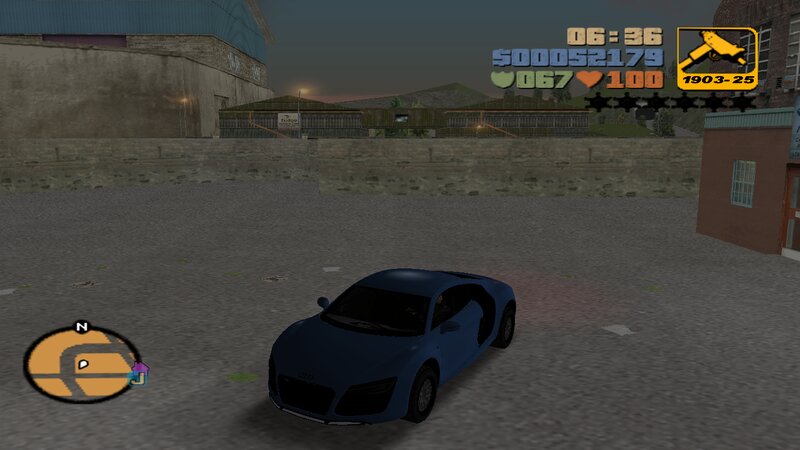
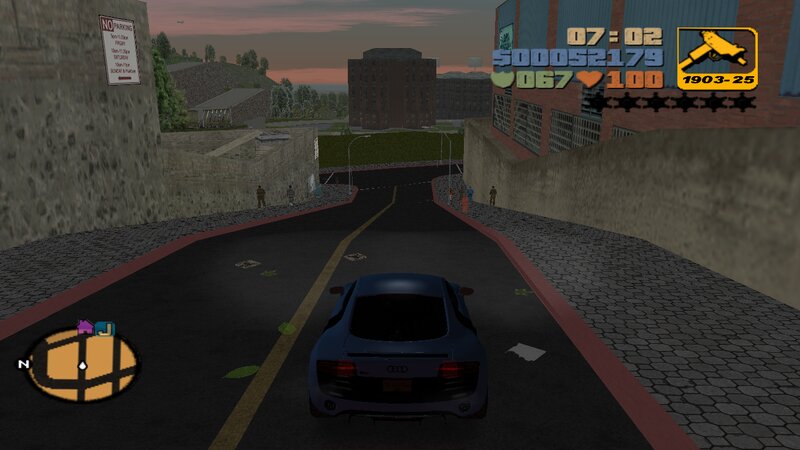
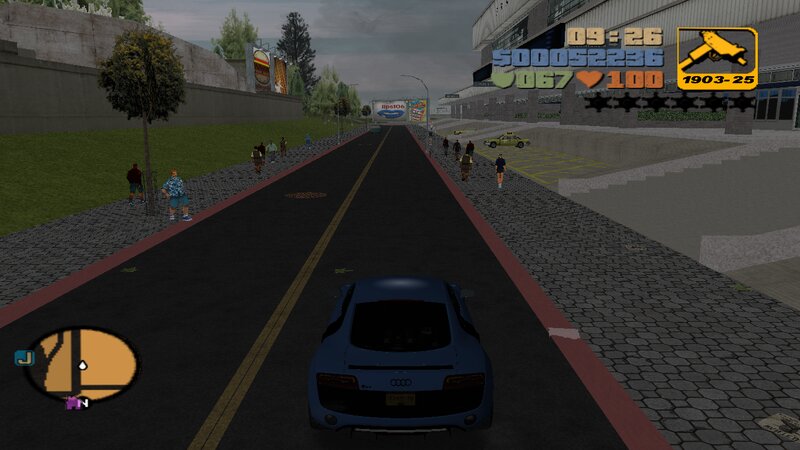
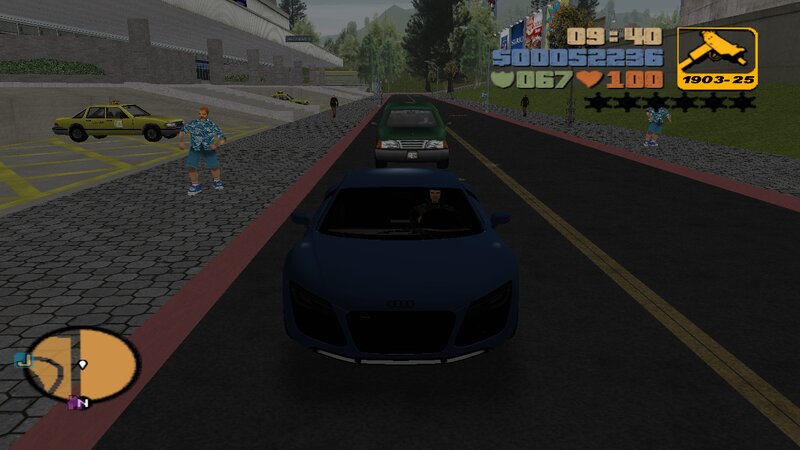
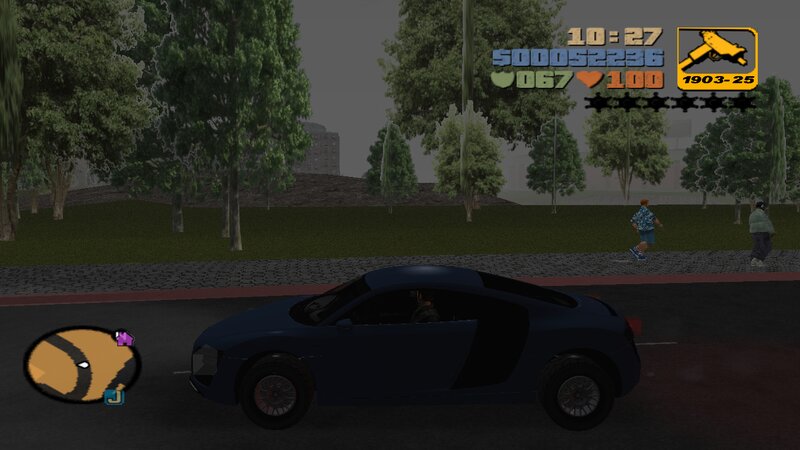
Audi R8 Coupé V10 Plus 5.2 FSI Quattro
- N4SPEED GTA | dodane przez N4SPEED GTA
- 11/23/2025
- 1659 Pobrania
Oceny:
Najpierw się zaloguj.
Ulubione:
Pobierz
5.48Mb
Odsetek antywirusów, które wykryły zagrożenie: 0%
Zobacz raport skanowania antywirusowego
5.48Mb
Odsetek antywirusów, które wykryły zagrożenie: 0%
Zobacz raport skanowania antywirusowego

Filmy
Nie dodano jeszcze filmów.Zaloguj się, żeby dodać film do tego moda.
Opis
Audi R8 Coupé V10 Plus 5.2 FSI Quattro
FEATURES:
-High quality models and textures.
-Improved handling for the new car.
INSTALLATION INSTRUCTIONS:
-With "Txd Workshop" locate the game's installation folder and move to "models",Open the file "gta3.img" and replace "infernus.dff & infernus.txd".
-Use "Txd Workshop" again to open the file "txd.img",find and replace "infernus.txd".
-Go to folder "models\generic" and replace "wheels.DFF & MISC.txd".
-After That go to folder "data",open the file "handling.cfg" with "Notepad" and replace the handling line "INFERNUS" with the new.
-Launch the game and enjoy with your new car!
NOTES:
-Make a backup copy of your game files before installing the mod.
-Make sure you follow all the steps correctly to avoid errors in the game.
FEATURES:
-High quality models and textures.
-Improved handling for the new car.
INSTALLATION INSTRUCTIONS:
-With "Txd Workshop" locate the game's installation folder and move to "models",Open the file "gta3.img" and replace "infernus.dff & infernus.txd".
-Use "Txd Workshop" again to open the file "txd.img",find and replace "infernus.txd".
-Go to folder "models\generic" and replace "wheels.DFF & MISC.txd".
-After That go to folder "data",open the file "handling.cfg" with "Notepad" and replace the handling line "INFERNUS" with the new.
-Launch the game and enjoy with your new car!
NOTES:
-Make a backup copy of your game files before installing the mod.
-Make sure you follow all the steps correctly to avoid errors in the game.
Komentarze
Liczba dodanych komentarzy: 0.